KarminaAI StudioAgents · Services · Training





Digital & Creative Production · AGENT-A12
Image Editor
This landing page explains what automates Image Editor, what sources and tools you need, how the result is reviewed and how it can be applied within a company.
StrategyOwn knowledgeProportional permissionsHuman supervisionMeasurement and improvement
01
The agent, at a glance
What Accelerates
Clippings, resizing, channel adaptations, cleaning, background removal, color versions, simple compositions, nomenclature and export.
What does it deliver
Final or reviewable assets, linked originals, specifications, formats, variants, change registration, rights and transparency notices where applicable.
For whom it is
Design teams, content, e-commerce, social media, web, campaigns and communication with a lot of production of variants.
What it doesn't do
It does not use assets without permission, it does not alter people or products in a misleading way, does not imitate creators or protected styles as a shortcut and does not convert a variant into directionless visual identity.
02
The problem it solves
The volume of formats grows faster than the time available to adapt them
A piece may need versions for feed, story banner, newsletter, web, marketplace and presentation. The process is repeated, but it is not always mechanical: it is necessary to decide which element retains the focus, what can be eliminated and how it remains readable.
The usual frictions are:
- Originals and final mixed versions.
- Formats created with different criteria.
- Logos, margins or incoherent colors.
- Cuts that remove important product or context.
- Assets without rights information.
- Images modified without trace.
- Use of visual generation without transparency policy.
The Image Editor converts recurring adaptations into a controlled circuit.
03
What exactly is Image Editor?
He is an agent who works on an asset library and a visual direction. It can execute deterministic edits and, when authorized, generative transformations. Each function has a purpose, a level of risk and a reviewer.
Not every edition needs the same Human Gate. Resizing an approved resource is different from modifying a person's appearance or generating a new product context.
04
What do you do, specifically?
01. Inventory and Validate Assets
Check resolution, format, color profile, origin, rights and permitted use.
02. Cut and reframe
It adapts proportions maintaining the subject, the product, the safe areas and the composition.
03. Clean and prepare
It removes backgrounds, adjusts light and color, reduces technical defects and prepares transparencies within agreed limits.
04. Generate production variants
Applies sizes, formats, weights, background, texts or approved versions without manual reconstruction.
05. Execute delimited generative transformations
You can expand funds, create compositions, or generate resources when briefing, rights, and policy allow it.
06. Apply brand controls
Check palette, typography, logo, hierarchy, margins and consistency with examples.
07. Export and Register
It assigns names, versions, metadata and destiny, and maintains the link with the original and instructions.
DUBTE BACK
You don’t have to know which agent you need.
Let’s start with a repeated task, the sources available and the result you want to review. In a free video call we can assess if you need an agent, a service or simply better order the process.
Video call · free · no obligationBook a free video call ↗A short conversation to understand your starting point and bring clarity.
05
How it works from start to finish
- Receive originals, briefing and specifications.
- Check for rights and integrity.
- Classify each adaptation by risk.
- It executes transformations and generates previews.
- The team reviews sensitive or generative variants.
- The agent exports the approved formats.
- Executes size, color and content controls.
- It records the relationship between original, variant and use.
06
Example of situation
Reframing is not just about focusing a face.
A team photograph must be adapted to a horizontal header and a story. Automatic reframing prioritizes a person and leaves out part of the group.
The Image Editor detects that the rule of the project is to represent the complete team, proposes an expansion of funds for the header and a different composition for the story. Both versions are marked as derived from the same original. It does not change people or generate new members to complete the scene.
07
What do we need before we launch it?
Essential
- Library of assets and rights.
- Visual system and examples.
- Formats, channels and specifications.
- Permitted and forbidden transformations.
- Policy on people, products and content generated.
- Nomenclature, versions and repository.
- Persons responsible for approval.
Highly recommended
- Plants and safe areas.
- Information on transparency and labeling.
- Cases of sensitive representation.
- Color profiles and printing requirements.
- History of Recurrent Errors.
08
How we implant it
- We audit assets, rights and volume.
- We classify transformations by risk.
- We define specifications, templates and controls.
- We fly with a family of pieces.
- We review quality, consistency and representation.
- We train the team to activate and correct.
- We scale to new formats or generation only when there are sufficient criteria.
A REAL TASK IS THE BEST BRIEF
Explain where the friction is concentrated.
You can send us an example, the approximate volume and how it is reviewed today. No need to share sensitive data to make a first assessment.
09
Human supervision and boundaries
The agent can
- Edit and adapt authorized assets.
- Generate technical variants.
- Apply brand controls.
- Prepare generative transformations within the briefing.
- Export and register versions.
Agent can't
- Modify a person’s identity or body in an unauthorized manner.
- Create a misleading representation of a product or context.
- Use faces, logos or works without rights.
- Hide that an image has been generated or modified when transparency is required.
- Post without the required control.
Stop and scale when
Rights are lacking, there are minors, the transformation affects a real person, a sensitive context is created, the image can be misleading or the tool cannot retain the necessary quality.
10
Sources and possible connections
Asset libraries, content managers, editing tools, repositories, CMS and calendars. You can prepare resources for the Social Publisher, Landing Builder and Video Editor, and receive controls from the Brand Guard.
11
How do we measure if it adds value?
- Time to adapt a family of formats.
- Percentage of approved variants with minor changes.
- Errors in size, color, logo or safe area.
- Assets with rights and original traceable.
- Reduction of duplicate versions.
- Incidences of representation or transparency.
- Ability to maintain quality between channels.
12
For whom does it make sense?
It can fit if
- There are many recurring adaptations.
- There is an applicable visual identity.
- Originals and rights can be ordered.
- The creative team wants to release mechanical tasks.
- Specific control over generative AI is needed.
It’s not the first step yet.
- There is no visual direction or criteria.
- Asset rights are uncertain.
- Each piece needs a new creative idea.
- It seeks to alter people or products without transparency.
DUBTE BACK
You don’t have to know which agent you need.
Let’s start with a repeated task, the sources available and the result you want to review. In a free video call we can assess if you need an agent, a service or simply better order the process.
Video call · free · no obligationBook a free video call ↗A short conversation to understand your starting point and bring clarity.
13
Knowledge Foundation and adoption
The basis includes brand, palette, typography, composition, assets, rights, people, products, formats, transparency and examples. The library is not just a folder: every resource needs origin, permitted use and validity.
The onboarding helps distinguish editing, adaptation and generation; review previews; keep originals; and know when a transformation needs additional authorization.
14
Frequently Asked Questions
Can you create new images?
Yes, if the project authorizes it and there are direction, rights, purpose and transparency criteria. It is not mandatory to use generation.
Can you work with real people?
You can edit authorized photos within agreed limits. Modifications that alter identity, body, expression, or context require more control.
Can you remove backgrounds and adapt formats automatically?
Yeah. They are suitable cases when contours, shadows and quality have been tested with the type of asset.
Do you keep the brand style?
It applies the documented system and can detect deviations. It does not create a new identity by substitution.
How is transparency managed?
Each project defines when it is necessary to label or report on a generation or modification, according to context, risk, regulations and brand policy.
How much does it cost and how long does it take?
It depends on the volume, the formats, the quality of the originals and the type of transformation. The pilot begins with a representative family.
15
Closure and conversion
What visual adaptations are repeated without needing a new creative decision?
Share the originals, formats and brand rules. We will design a flow that accelerates production and preserves rights, quality and traceability.
Direct contact hello@karmina.ai
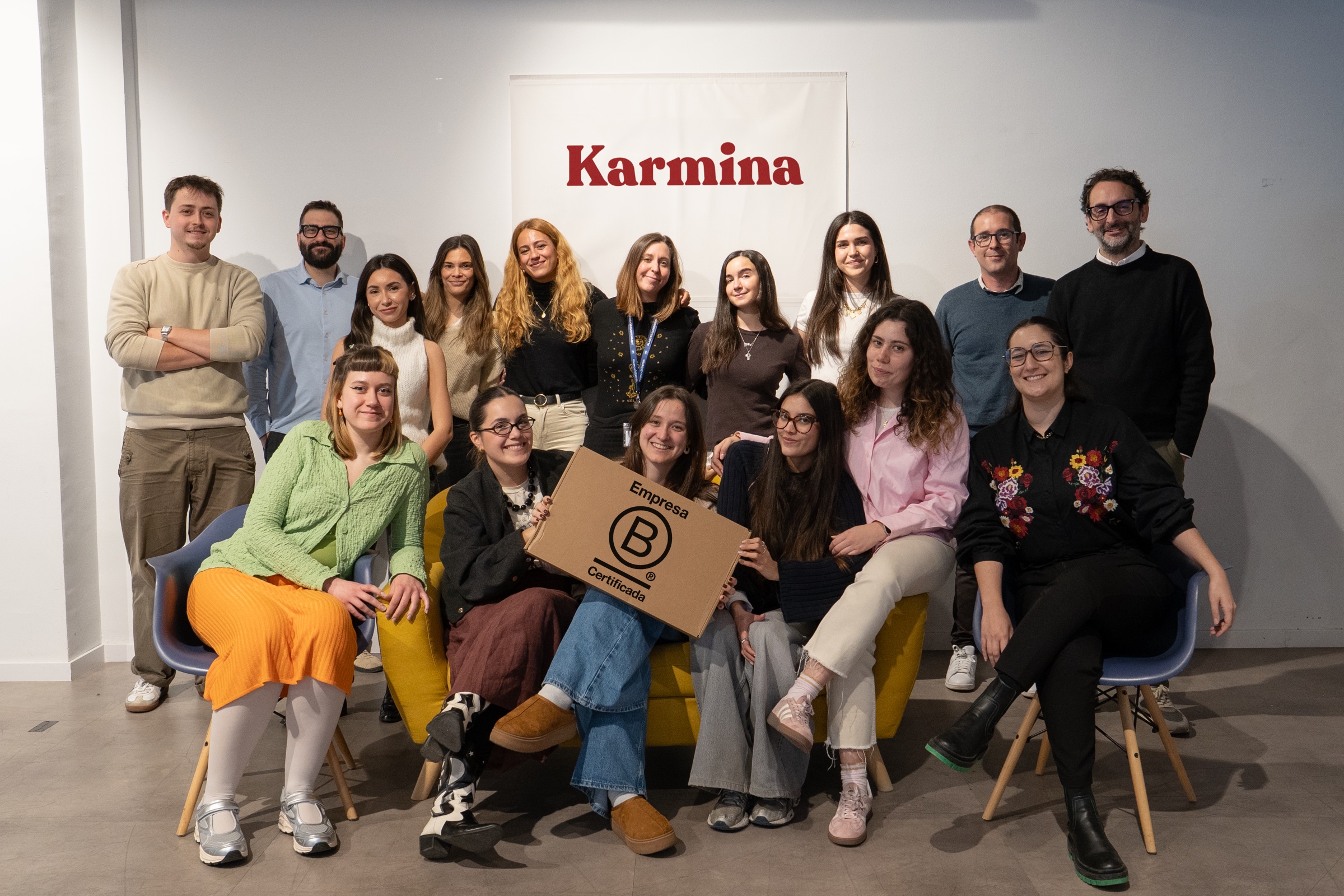
Karmina, the agency behind the Studio
Why Karmina?
Behind Karmina AI Studio there is an agency with track record, team, scale and applied experience in real organizations.
Karmina · AI Studio · Criterio · Dunder Mifflin · Utopiq · Smart Team
 +€119mIn advertising investment for clients
Ads Platforms
Partners MetaGoogle Ads
 TikTok
 Pinterest
 Barcelona
Madrid
Buenos AiresOur offices · Meet the team ↗
+50 KCommunity
 B CorpCertified company
The team
People who connect knowledge and practice

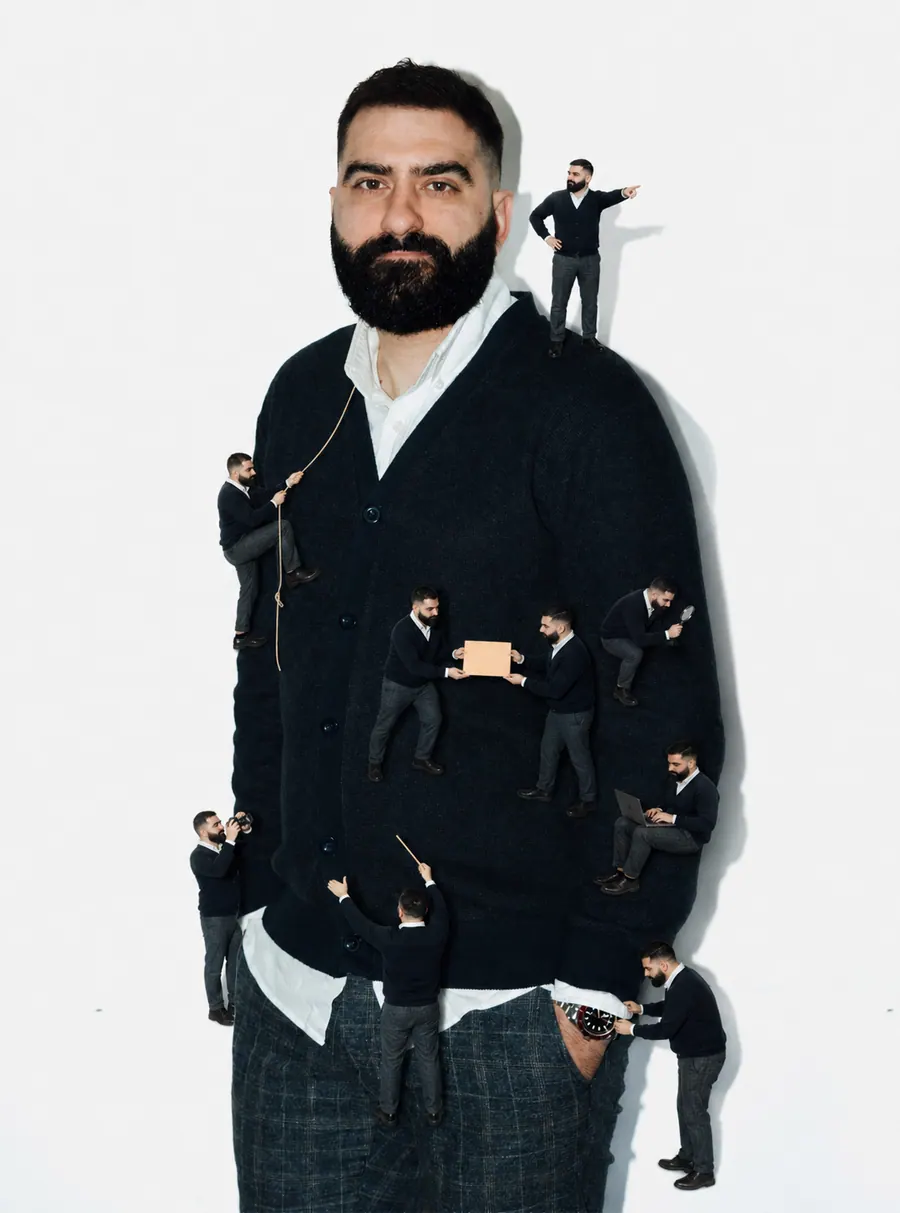
Arnau Sanz
Agentic Strategy & AI Transformation Lead
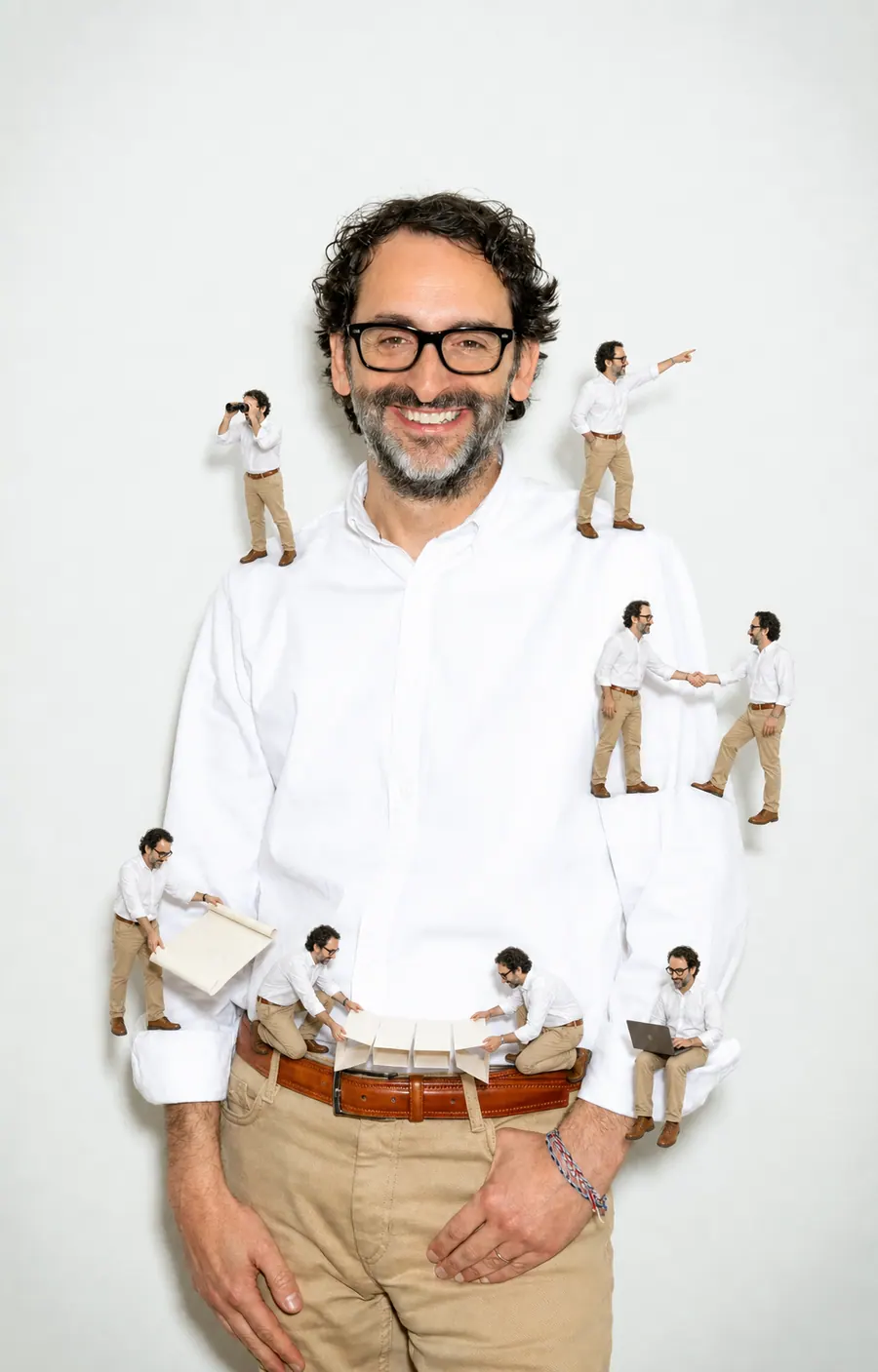
Ignasi Llorente
AI Partnerships & Business Director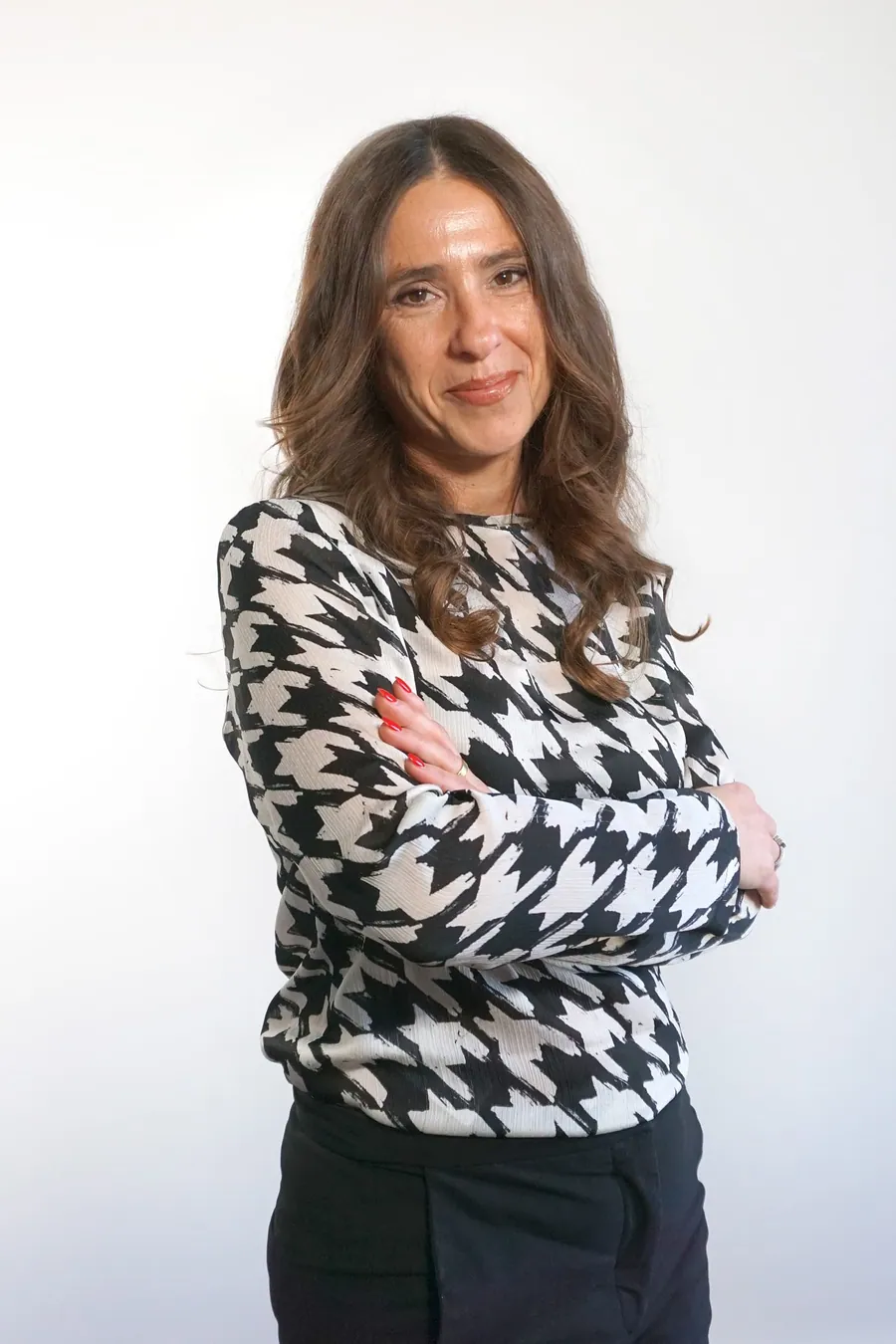
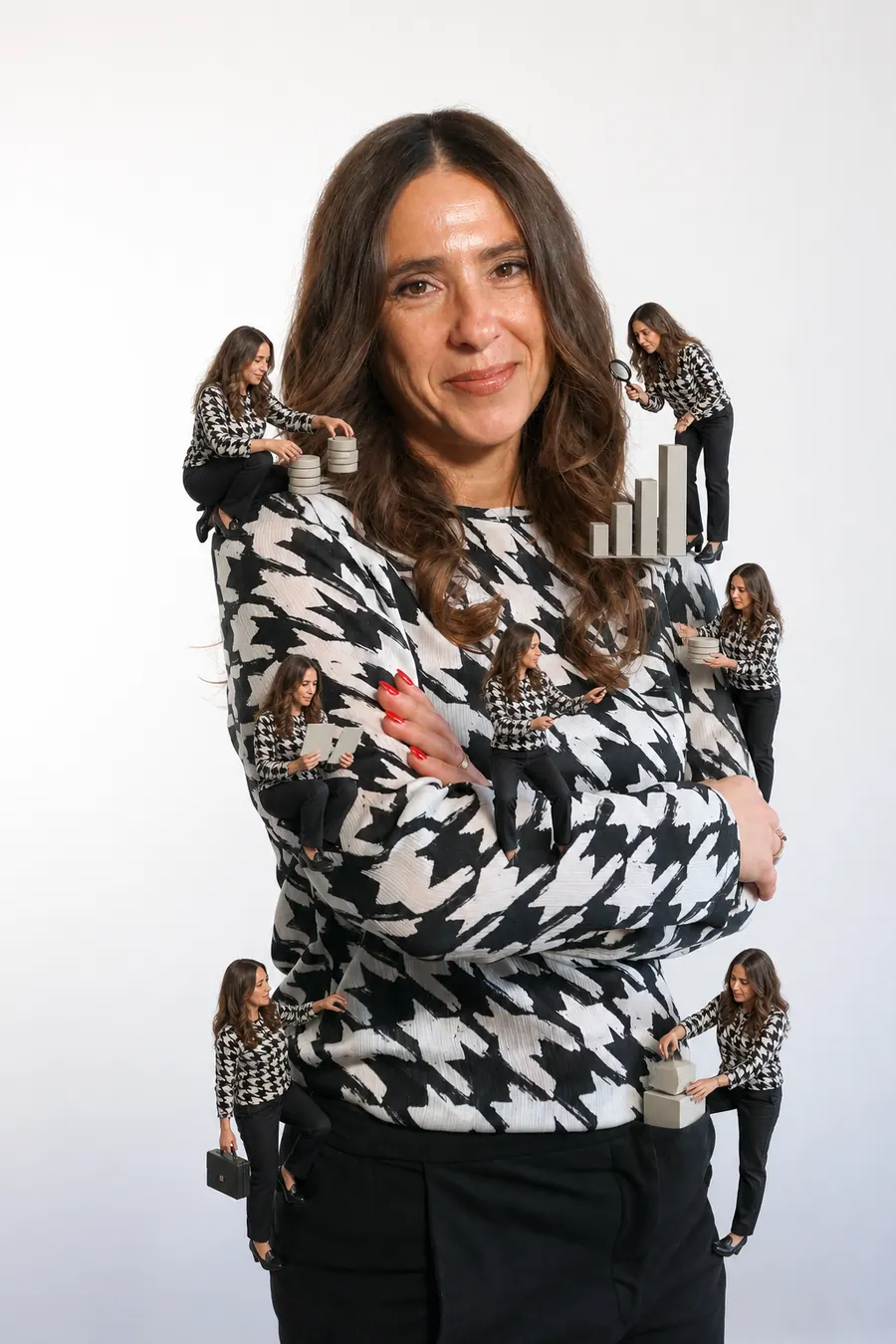
Martina Díaz
AI Finance & Business Intelligence Director
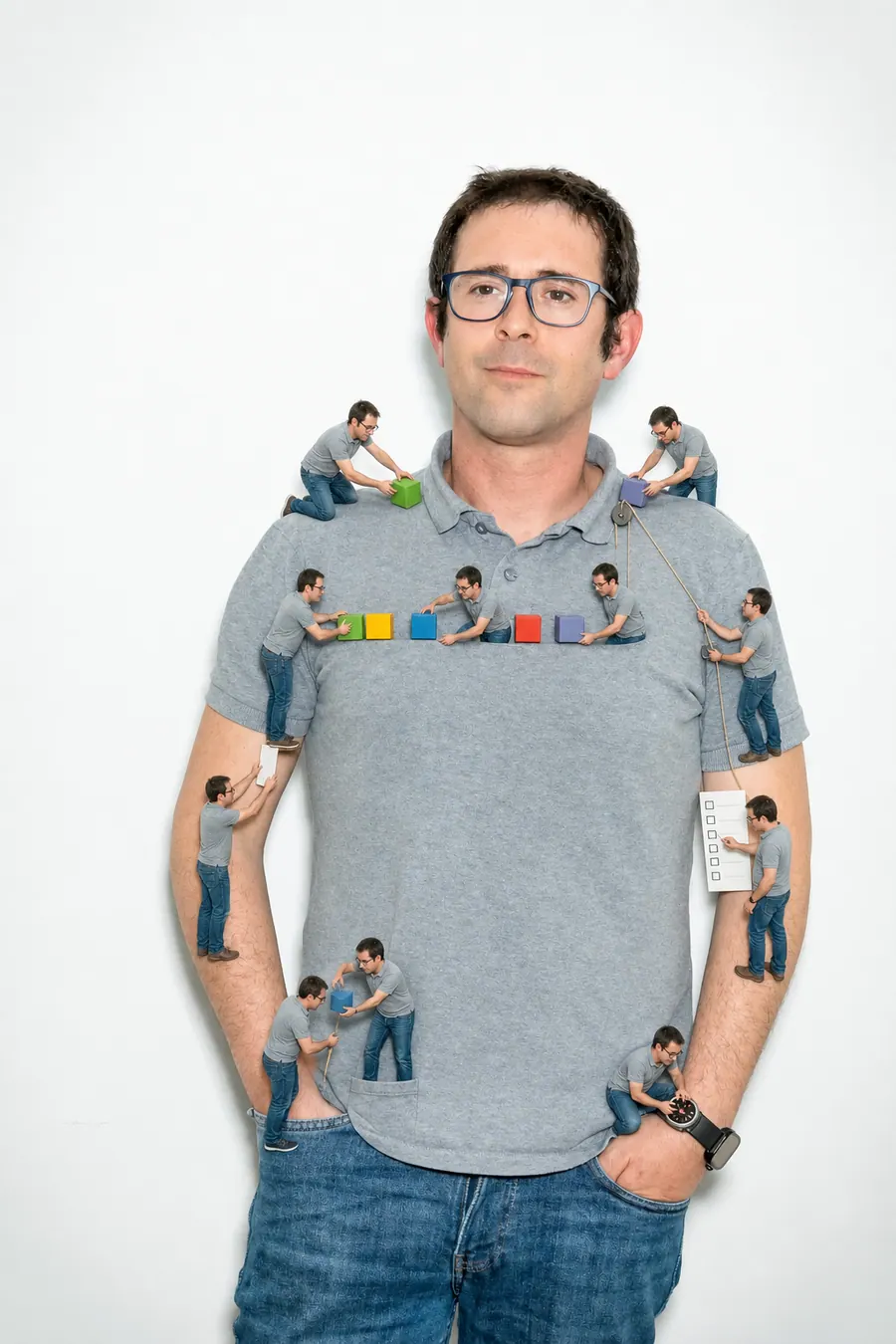
Daniel Mallén
AI Operations & Workflow Lead
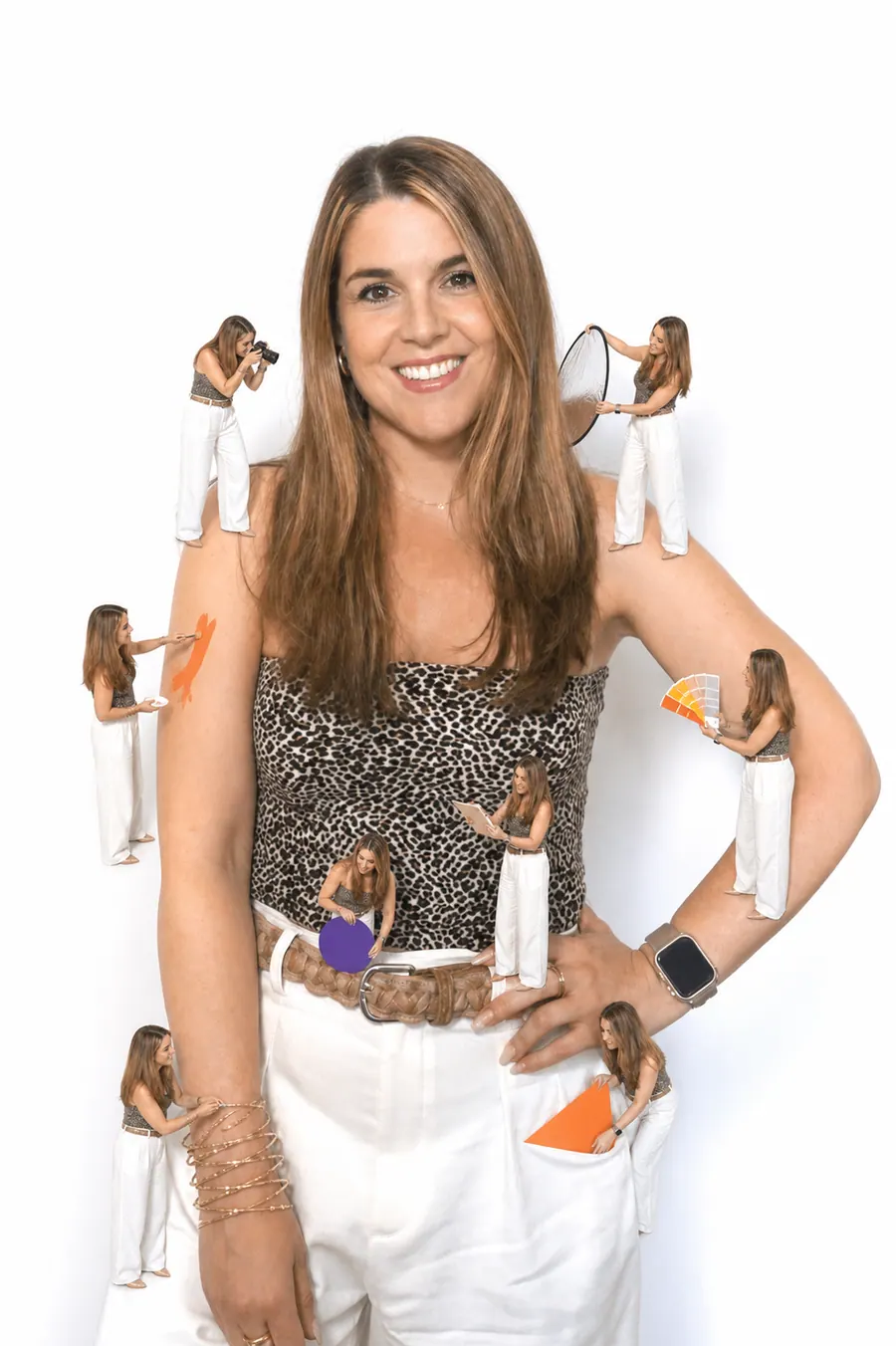
Eva Trigo
Generative Creative Director

Ariadna Miranda
AI Administration & Knowledge Operations Lead
Claudia Gonzalez
AI Client Success Manager
Jonan Basterra
AI Social Strategy Director
Laura Sabio
Agentic Social Media Lead
Agustina Córdoba
Content AI Specialist
Alba Gómez
Social Listening Specialist
Paola Cudeiro
AI Client Success Specialist
Roger López
AI Project & Workflow Specialist
Mar Berzal
AI Content Strategy Lead

Andrea Gallego
Community Intelligence Specialist
Candela de la Fuente
Content AI Specialist

Blanca Gómez
AI Community Operations Specialist
Cintia Armajach
Content AI SpecialistLet’s talk
Let's talk about Image Editor
Tell us about your situation, even if the challenge is not fully defined. A member of our team will respond to understand the process and discuss a first step.
hello@karmina.ai