KarminaAI StudioAgents · Services · Training





Digital & Creative Production · AGENT-A09
Landing Builder
This landing page explains what automates Landing Builder, what sources and tools you need, how the result is reviewed and how it can be applied within a company.
StrategyOwn knowledgeProportional permissionsHuman supervisionMeasurement and improvement
01
The agent, at a glance
What Accelerates
The briefing synthesis, content architecture, the first copy, layout, component creation, responsive adaptation and pre-deployment verification.
What does it deliver
Landing page functional, copy, components, form, metadata, expected analytics, resources, instructions and check report.
For whom it is
Teams marketing, communication, product, training, recruitment or events that need to create recurring landing pages without losing the coherence of the web system.
What it doesn't do
It does not invent a value proposition, does not publish testimonials or results without evidence, does not replace legal or privacy review, and does not deploy into production just because the page looks good in a capture.
02
The problem it solves
A landing page can be modeled and continue unprepared
Often, the content arrives late to the design, the forms are tested at the end, the analytics is pending and the mobile version is adjusted when the project has already consumed the budget.
The usual frictions are:
- Incomplete or contradictory briefings.
- Pages that accumulate sections without hierarchy.
- Copy disconnected from tests and objections.
- Designs that do not respect the brand system.
- Forms that do not register well or do not inform about privacy.
- Repeated manual changes between campaigns.
- Unverified publication rendering, links, performance or analytics.
The Landing Builder unites these layers in a production and control circuit.
03
What exactly is Landing Builder?
It is an agent capable of working with a component library, a content base, and an authorized CMS or development environment. You can generate a new page, adapt an existing pattern, or prepare a campaign variant.
The level of autonomy depends on the context. In a consolidated library you can reuse components and publish to a preview environment. When the product, message or identity is new, it needs more human decisions before layout.
04
What do you do, specifically?
01. Complete the briefing
Order objective, public, offer, objections, tests, action, planned traffic, languages and restrictions.
02. Proposes architecture
Define hero, argument, demonstration, confidence, questions, conversion, and linking without repeating sections by inertia.
03. Prepare the copy
Write a first version consistent with the voice and mark what needs evidence, data or decision.
04. Model with governed components
It uses the approved visual, typographic and interactive system, with responsive behavior and accessible states.
05. Configure the conversion
Prepare forms, messages, validations, consents, data destination and reception response according to the defined circuit.
06. Incorporates SEO and measure
Apply metadata, structure, indexing, suggested structured data and analytical event plan.
07. Check the result
Check links, forms, rendering, responsive, accessibility, basic performance, error states and privacy.
08. Prepare for deployment
It publishes in preview, collects the approval and only deploys to production within the authorized circuit.
DUBTE BACK
You don’t have to know which agent you need.
Let’s start with a repeated task, the sources available and the result you want to review. In a free video call we can assess if you need an agent, a service or simply better order the process.
Video call · free · no obligationBook a free video call ↗A short conversation to understand your starting point and bring clarity.
05
How it works from start to finish
- Receive and complete the briefing.
- Recovers identity, components, content and requirements.
- Proposes architecture and copy.
- The team validates message, tests and CTA.
- The agent builds the page and the integrations.
- Run technical and editorial checks.
- Preview is checked on actual devices and streams.
- One person authorizes the deployment.
- Form, analytics, and public URLs are checked after publishing.
06
Example of situation
Conversion is not validated by clicking the button
The team needs a landing page for a training program. The Landing Builder creates the architecture, adapts the visual system, connects the form and publishes a preview.
During testing, the form displays the correct message but does not record the campaign source field. The agent identifies the difference between visual response and final state, corrects for integration, and repeats an end-to-end test. The page is not terminated until registration, notification and analytics confirm the same result.
07
What do we need before we launch it?
Essential
- Target, audience and main action.
- Value proposition, tests and constraints.
- Visual identity and components available.
- Technical environment or CMS.
- Forms, data and privacy policy.
- Analytics and success criteria.
- People who approve content, branding and publishing.
Highly recommended
- Reference pages and previous learning.
- Library of images with rights.
- FAQs and commercial objections.
- Internal link map.
- Language requirements and accessibility.
08
How we implant it
- We audit the current landing pages circuit.
- We prepare the Foundation for content, branding and conversion.
- We define components, environments and permissions.
- We built a real first landing page.
- Check visually and from end to end.
- We document the pattern and form the team.
- We scale variants or new campaigns without losing control.
A REAL TASK IS THE BEST BRIEF
Explain where the friction is concentrated.
You can send us an example, the approximate volume and how it is reviewed today. No need to share sensitive data to make a first assessment.
09
Human supervision and boundaries
The agent can
- Prepare architecture, copy and components.
- Build and adapt the page.
- Connect authorized forms and analytics.
- Run tests and correct incidents within range.
- Post in preview.
Agent can't
- Invent prices, claims, testimonials or results.
- Use images without rights or personal data without purpose.
- Change the branding system without authorization.
- Deploy in production outside the circuit.
- Declare success because a button has responded visually.
Stop and scale when
The briefing is contradictory, it lacks a test, the form processes sensitive data, the environment has unanticipated changes, there is a risk of overwriting a page or the deployment affects other routes.
10
Sources and possible connections
Brand book, library of components, repositories, CMS, analytics, CRM, forms, consent tools and project management. You can connect with Brand Guard, Image Editor, SEO Monitor and Dashboard Builder.
11
How do we measure if it adds value?
- Time between validated briefing and functional preview.
- Percentage of components reused.
- Errors detected before production.
- Form testing and analytical results.
- Accessibility and responsive quality.
- Changes needed after the review.
- Ability to replicate the pattern without degradation.
- Conversion performance, interpreted with sufficient traffic and context.
12
For whom does it make sense?
It can fit if
- Recurring landing pages are created.
- There is an identity or a visual system.
- Content, design and development generate waits.
- Forms, analytics and QA must be secured.
- You want to work on preview before publishing.
It’s not the first step yet.
- The offer or value proposition has not been defined.
- The web needs a general architecture first.
- There is no secure environment or permissions.
- A generic template is sought without content decisions.
DUBTE BACK
You don’t have to know which agent you need.
Let’s start with a repeated task, the sources available and the result you want to review. In a free video call we can assess if you need an agent, a service or simply better order the process.
Video call · free · no obligationBook a free video call ↗A short conversation to understand your starting point and bring clarity.
13
Knowledge Foundation and adoption
The base includes brand, public, services, testing, CTA, components, forms, privacy, analytics and QA criteria. This information turns web production into a system and avoids starting each landing page with scattered references.
The onboarding teaches you how to prepare briefs, review previews, approve changes, and interpret the result of checks.
14
Frequently Asked Questions
Do you build the full landing page?
Yes, within the agreed environment and components. It can include content, layout, form, metadata, and analytics.
Can you publish it?
It can publish in a preview environment and deploy to production if the circuit authorizes it. The final state is always checked.
Does it work for WordPress?
Yes, if the environment and constructor allow a safe flow. You can also work with frameworks and other CMS.
Can you create the design from scratch?
You can propose a direction, but a new identity or a complete system requires specific branding and design work.
Do you do A/B tests?
It can prepare variants and configuration, as long as there is adequate traffic, hypothesis, metric and tool.
How much does it cost and how long does it take?
It depends on the content, components, integrations and environment. A landing page within an existing system is different from a first implementation that must build the pattern.
15
Closure and conversion
Which landing page do you need to stop building as an isolated project?
Share with us the briefing, the environment and what needs to happen after CTA. We will prepare a first page that can be reviewed, measured and reused.
Direct contact hello@karmina.ai
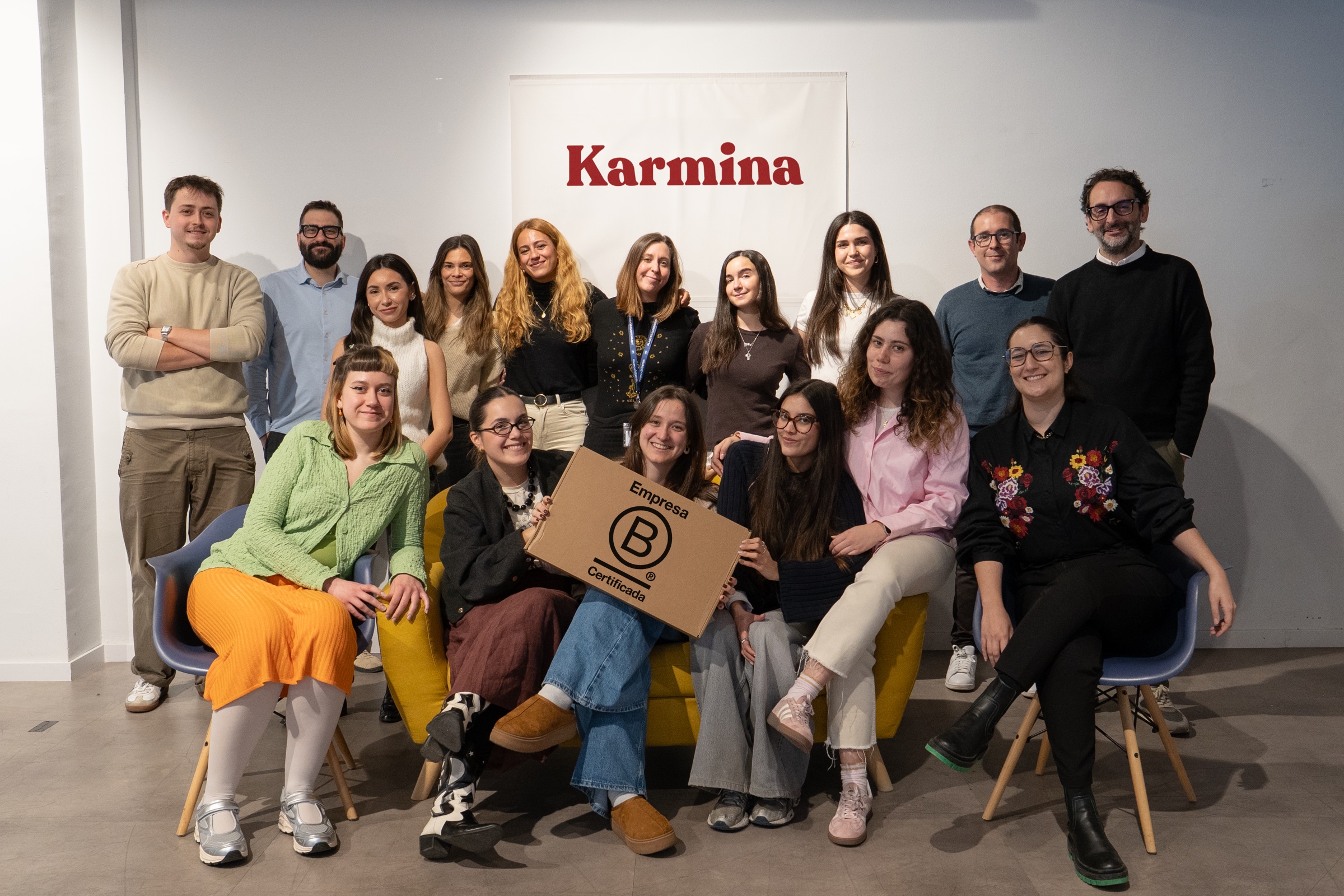
Karmina, the agency behind the Studio
Why Karmina?
Behind Karmina AI Studio there is an agency with track record, team, scale and applied experience in real organizations.
Karmina · AI Studio · Criterio · Dunder Mifflin · Utopiq · Smart Team
 +€119mIn advertising investment for clients
Ads Platforms
Partners MetaGoogle Ads
 TikTok
 Pinterest
 Barcelona
Madrid
Buenos AiresOur offices · Meet the team ↗
+50 KCommunity
 B CorpCertified company
The team
People who connect knowledge and practice


Arnau Sanz
Agentic Strategy & AI Transformation Lead

Ignasi Llorente
AI Partnerships & Business Director

Martina Díaz
AI Finance & Business Intelligence Director

Daniel Mallén
AI Operations & Workflow Lead

Eva Trigo
Generative Creative Director

Ariadna Miranda
AI Administration & Knowledge Operations Lead

Claudia Gonzalez
AI Client Success Manager

Jonan Basterra
AI Social Strategy Director

Laura Sabio
Agentic Social Media Lead

Agustina Córdoba
Content AI Specialist

Alba Gómez
Social Listening Specialist

Paola Cudeiro
AI Client Success Specialist

Roger López
AI Project & Workflow Specialist

Mar Berzal
AI Content Strategy Lead

Andrea Gallego
Community Intelligence Specialist

Candela de la Fuente
Content AI Specialist

Blanca Gómez
AI Community Operations Specialist

Cintia Armajach
Content AI SpecialistLet’s talk
Let's talk about Landing Builder
Tell us about your situation, even if the challenge is not fully defined. A member of our team will respond to understand the process and discuss a first step.
hello@karmina.ai