KarminaAI StudioAgents · Services · Training





Digital & Creative Production · AGENT-A11
Video Editor
This landing page explains what automates Video Editor, what sources and tools you need, how the result is reviewed and how it can be applied within a company.
StrategyOwn knowledgeProportional permissionsHuman supervisionMeasurement and improvement
01
The agent, at a glance
What Accelerates
Intake and inventory of material, transcription, fragment location, initial assembly, subtitling, proportion adaptation, and variants.
What does it deliver
Project or first reviewable assembly, transcription, selection of fragments, subtitles, versions by channel, list of rights and pending decisions.
For whom it is
Audiovisual, content, social media, training, internal communication or events with recurrent volume of material and formats.
What it doesn't do
It does not invent statements, does not alter the meaning of an intervention, does not use voice or image without permission, does not clone people without authorization and does not replace creative direction.
02
The problem it solves
Many hours of editing are consumed before the narrative decision begins
Reviewing long interviews, finding a sentence, synchronizing subtitles, creating vertical versions, or preparing a first order are important but repetitive tasks.
The process is complicated when:
- The material is not inventoried.
- There is no reliable transcript.
- The fragments are chosen without conserving context.
- Each channel receives an improvised version.
- Music, image or voice rights are not linked to assets.
- Corrections are not associated with a timecode.
- The pressure to publish accelerates decisions that affect the representation of people.
The Video Editor prepares an orderly and traceable mounting base.
03
What exactly is Video Editor?
It is an agent that can analyze and transform audiovisual material within a project environment. Use briefing, script, brand criteria, rights, formats, and examples to execute delimited post-production tasks.
It can work from an interview to a social series, a training capsule or an internal piece. Each format needs its own rules of duration, rhythm, subtitles, framing and approval.
04
What do you do, specifically?
01. Invent and order the material
It classifies files, durations, resolutions, audio, people, rights and status.
02. Transcribe and create timecodes
It generates a reviewable transcript, identifies speakers when possible, and relates each fragment to the original file.
03. Locate selects
Search for answers, topics, quotes or moments according to the briefing, maintaining the necessary context.
04. Prepare a first assembly
Order fragments, apply a structure and make clear what is an automatic proposal and what has been validated.
05. Generate basic subtitles and graphics
Apply terminology, style, position and accessibility according to the project guide.
06. Adapt formats
Prepare horizontal, vertical, square, duration, and aspect ratios without cutting out important information blindly.
07. Execute controls
Check names, subtitles, synchronization, duration, safe areas, rights, metadata and exports.
DUBTE BACK
You don’t have to know which agent you need.
Let’s start with a repeated task, the sources available and the result you want to review. In a free video call we can assess if you need an agent, a service or simply better order the process.
Video call · free · no obligationBook a free video call ↗A short conversation to understand your starting point and bring clarity.
05
How it works from start to finish
- Receive material, briefing and registration of rights.
- Check integrity, formats and restrictions.
- Transcribe and index.
- It offers selections and structure.
- The equipment validates the angle or the initial assembly.
- The agent prepares versions and subtitles.
- Meaning, representation, rights and quality are reviewed.
- Export only approved formats.
- Archive project, versions and decisions.
06
Example of situation
A powerful phrase ceases to be if the cut eliminates the nuance
The Video Editor detects a brief response that seems ideal for a reel. When checking the context, identify that the phrase begins with a condition expressed ten seconds earlier.
Instead of generating a misleading clip, expand the fragment, mark the dependency and propose two versions: a complete one and a short one with contextual text. The editor decides which one makes the best sense. The agent accelerates the selection without turning the cut into a new statement.
07
What do we need before we launch it?
Essential
- Authorised material and copies of work.
- Briefing, audience, channel and target.
- Rights of image, voice, music and other assets.
- Narrative and visual direction.
- Formats, durations and subtitle requirements.
- People responsible for approval.
- Policy on content generated or manipulated.
Highly recommended
- Ladders and ladders.
- Terminology and proper names.
- Examples of approved mounts.
- Library of graphics and music.
- Folders and versions conventions.
08
How we implant it
- We audit formats, volume and rights.
- We define type of piece and automated tasks.
- We prepare templates, subtitles and conventions.
- We make a pilot with representative material.
- We compare selection, meaning, quality and time.
- We calibrate exceptions and Human Gates.
- We form the team and document export and archive.
A REAL TASK IS THE BEST BRIEF
Explain where the friction is concentrated.
You can send us an example, the approximate volume and how it is reviewed today. No need to share sensitive data to make a first assessment.
09
Human supervision and boundaries
The agent can
- transcribing and indexing.
- Propose fragments and assemblies.
- Generate subtitles and versions.
- Apply mechanical corrections.
- Export authorized formats.
Agent can't
- Make a statement.
- Clone voice or image without specific consent.
- Use material without rights.
- Changing the context of a person.
- Publish a sensitive piece without review.
Stop and scale when
Rights are lacking, minors or vulnerable people appear, the meaning is ambiguous, the material is confidential, realistic manipulation is requested or export does not comply with the controls.
10
Sources and possible connections
Asset repositories, editing tools, transcription, project management and calendars. You can receive material from Meeting Notes, prepare derivatives for the Social Publisher Passing the controls with Brand Guard and Image Editor.
11
How do we measure if it adds value?
- Time of intake, transcription and preparation of selects.
- Accuracy of transcription and names.
- Percentage of useful fragments proposed.
- Time of first assembly and versions.
- Subtitle or format errors detected before publishing.
- Compliance with rights and traceability.
- Number of narrative corrections needed.
12
For whom does it make sense?
It can fit if
- There are interviews, webinars or long recurring material.
- A lot of channel adaptations are needed.
- Subtitles and selects consume too much time.
- There is a creative direction that the agent can apply.
- You want to speed up the first assembly, not delegate the narrative.
It’s not the first step yet.
- There are no rights or minimally ordered file.
- Each piece is completely experimental and patternless.
- It is intended to replace the gaze of an editor.
- The results cannot be reviewed before publication.
DUBTE BACK
You don’t have to know which agent you need.
Let’s start with a repeated task, the sources available and the result you want to review. In a free video call we can assess if you need an agent, a service or simply better order the process.
Video call · free · no obligationBook a free video call ↗A short conversation to understand your starting point and bring clarity.
13
Knowledge Foundation and adoption
The base includes formats, brand, narrative, publics, rights, graphics, terminology, people, channels and examples. Registration of rights is as important as the visual library.
The onboarding teaches you to formulate a selection, review timecodes, detect loss of context, and correct the agent without turning each piece into a new process.
14
Frequently Asked Questions
Do you do the whole set up?
You can prepare it and, in very defined formats, come to an almost final version. Narrative and rights validation remains human.
Can you generate subtitles in different languages?
Yes, with linguistic revision and adaptation. Names, terminology and meaning should not be given for correct automatically.
Can you create vertical clips?
Yes, including reframing and subtitles. Plans with several people or visual information need a specific review.
Can you clone voices?
Only in a project with specific consent, clear purpose, transparency and controls. It is not a default function.
Where are the files processed?
It is defined according to confidentiality, tools and data policy. No material is uploaded to unapproved services.
How much does it cost and how long does it take?
It depends on the volume, formats, material quality, languages and integrations. The pilot uses a real sample and measures the time at each stage.
15
Closure and conversion
What part of the edit is repeated before the creative decision begins?
Share with us a type of piece, the material and the current circuit. We will design a pilot that accelerates preparation and keeps rights, context and authorship under control.
Direct contact hello@karmina.ai
Karmina, the agency behind the Studio
Why Karmina?
Behind Karmina AI Studio there is an agency with track record, team, scale and applied experience in real organizations.
Karmina · AI Studio · Criterio · Dunder Mifflin · Utopiq · Smart Team
 +€119mIn advertising investment for clients
Ads Platforms
Partners MetaGoogle Ads
 TikTok
 Pinterest
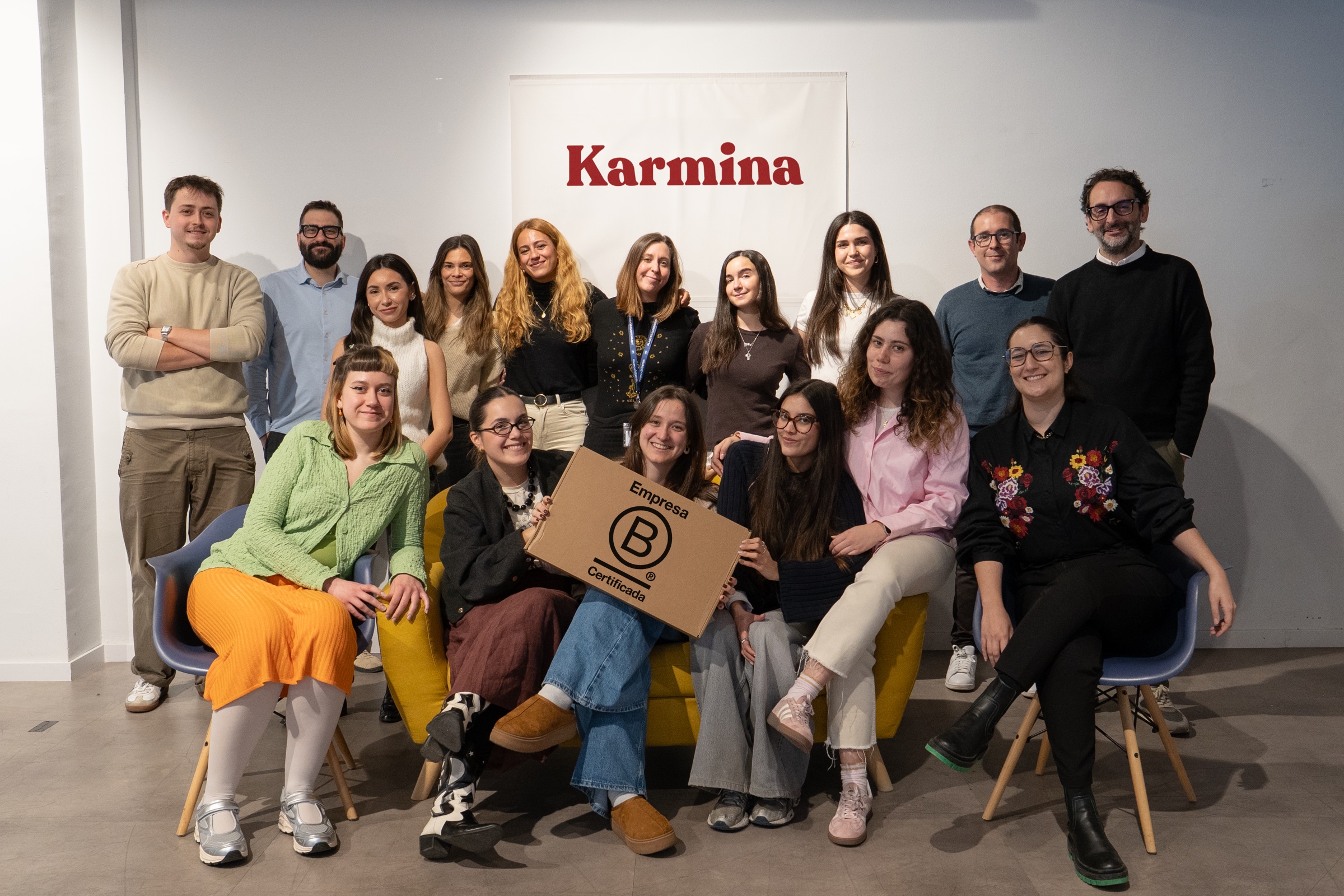 Barcelona
Madrid
Buenos AiresOur offices · Meet the team ↗
+50 KCommunity
 B CorpCertified company
The team
People who connect knowledge and practice


Arnau Sanz
Agentic Strategy & AI Transformation Lead

Ignasi Llorente
AI Partnerships & Business Director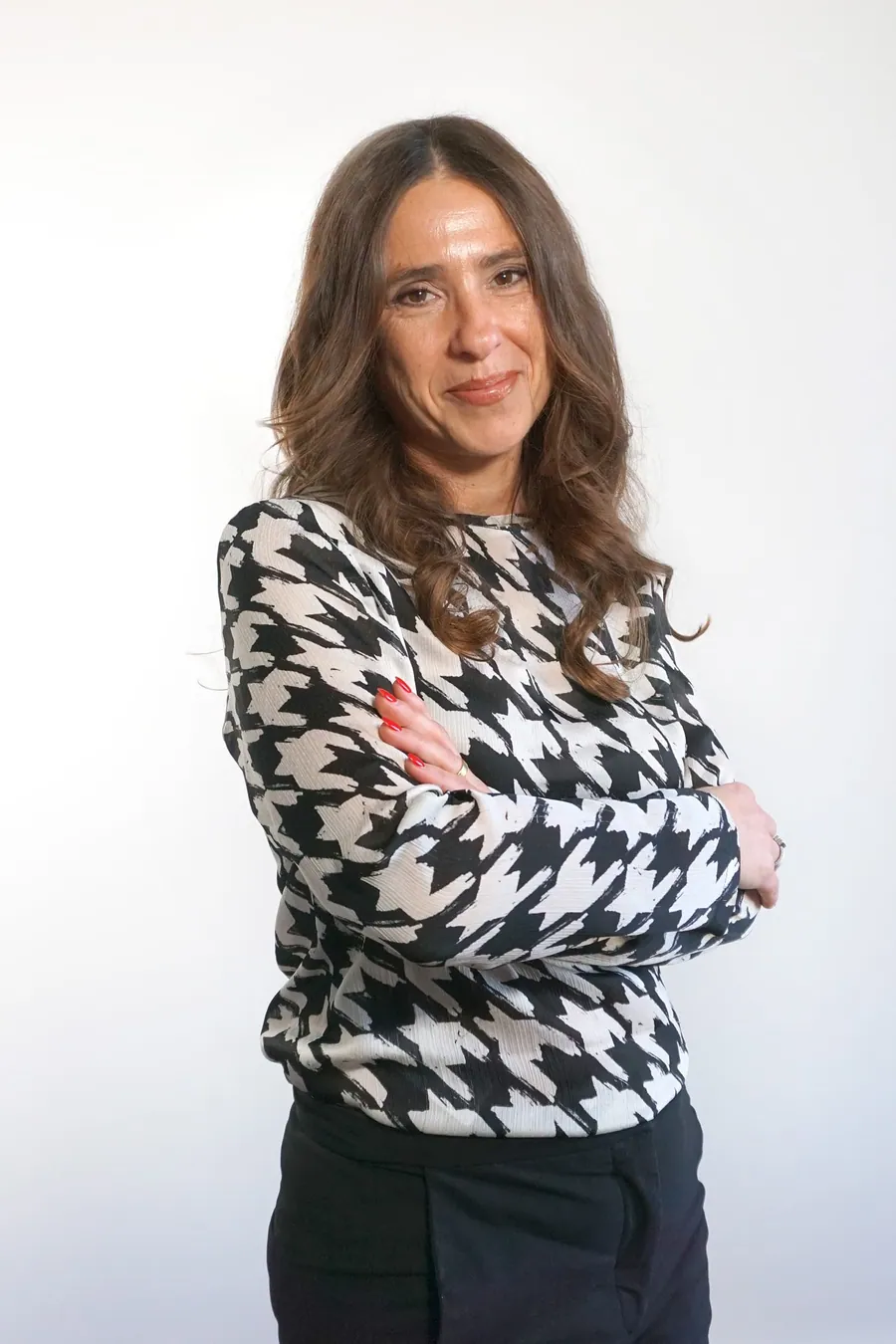

Martina Díaz
AI Finance & Business Intelligence Director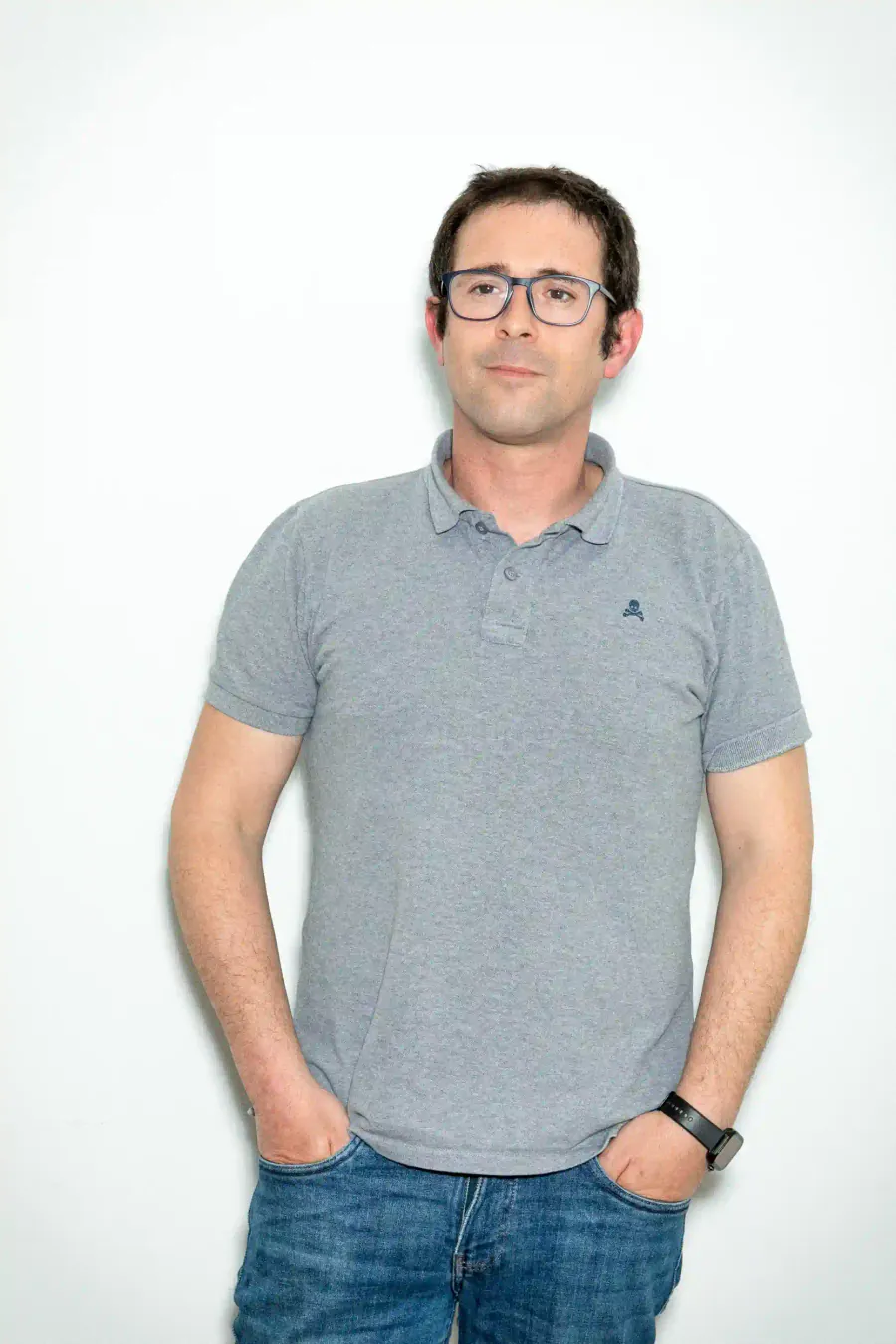

Daniel Mallén
AI Operations & Workflow Lead
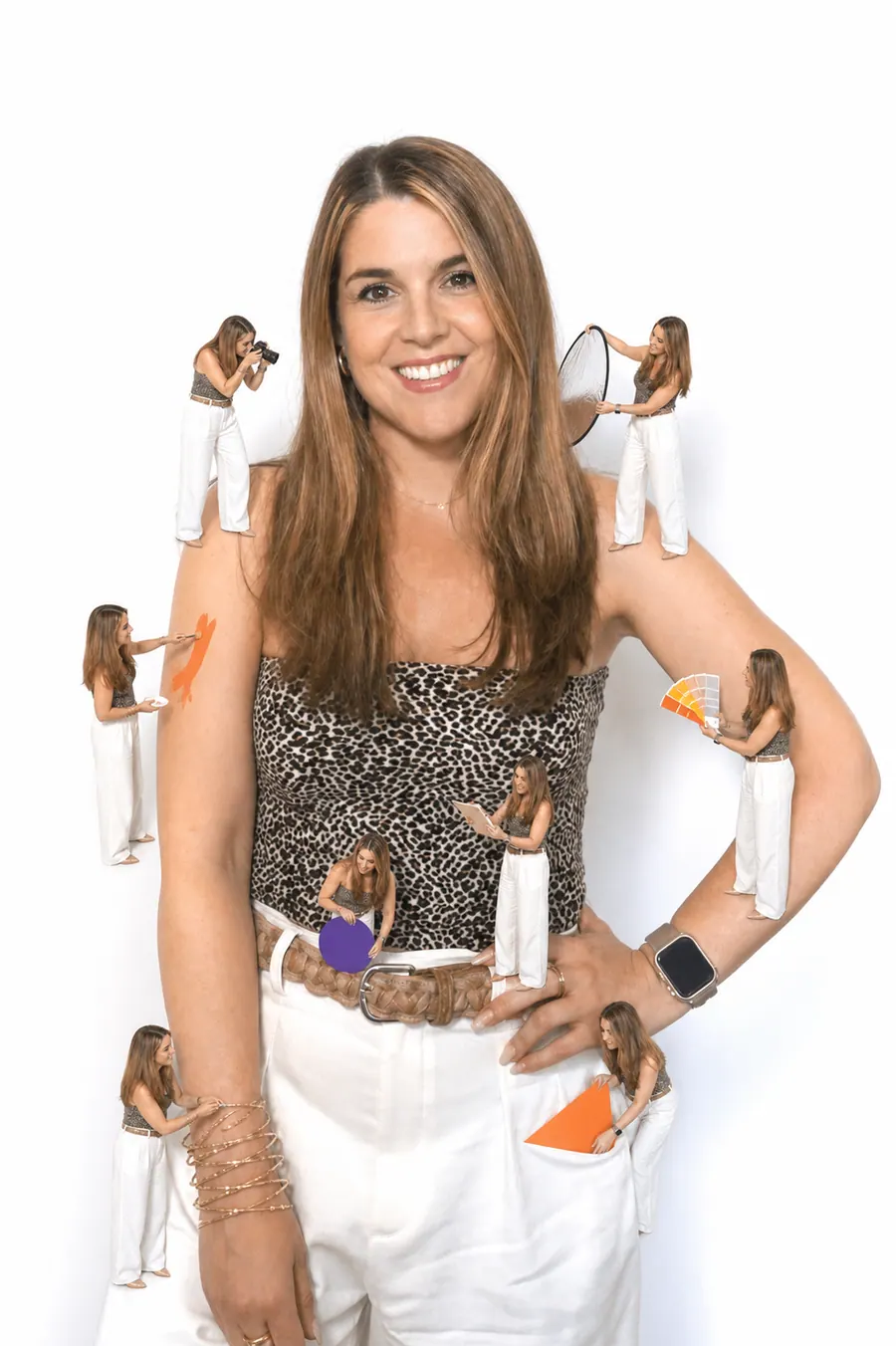
Eva Trigo
Generative Creative Director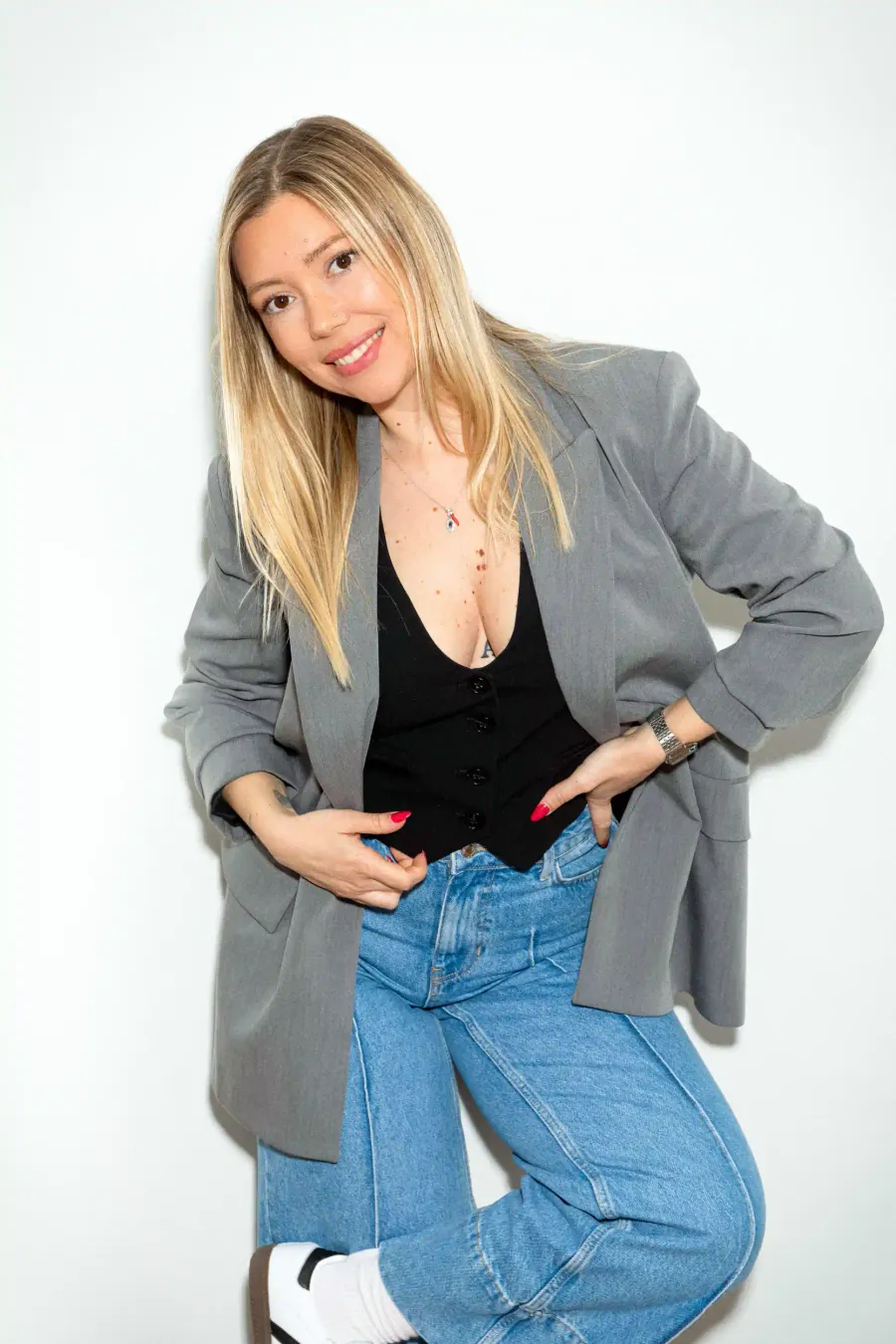

Ariadna Miranda
AI Administration & Knowledge Operations Lead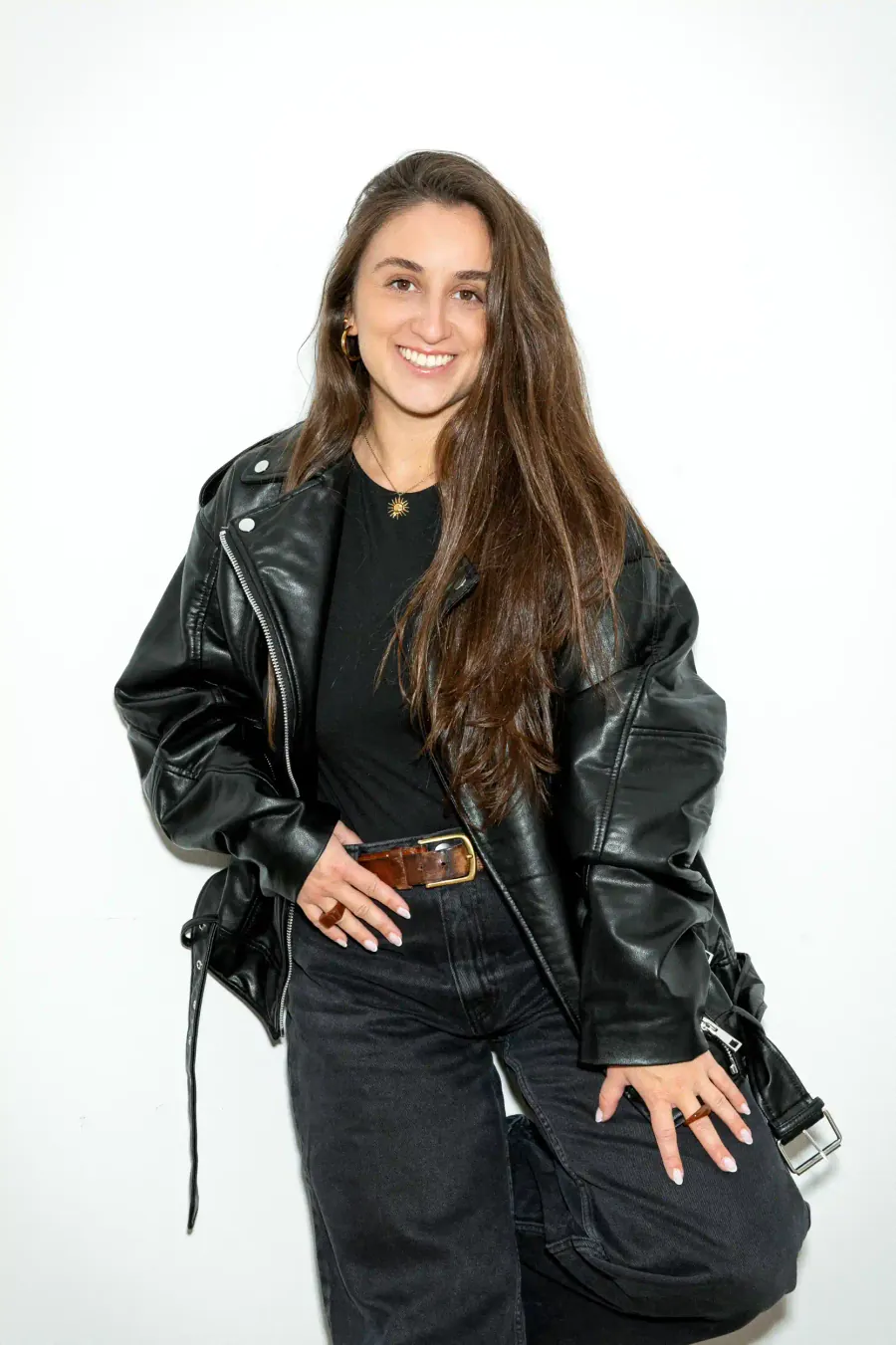
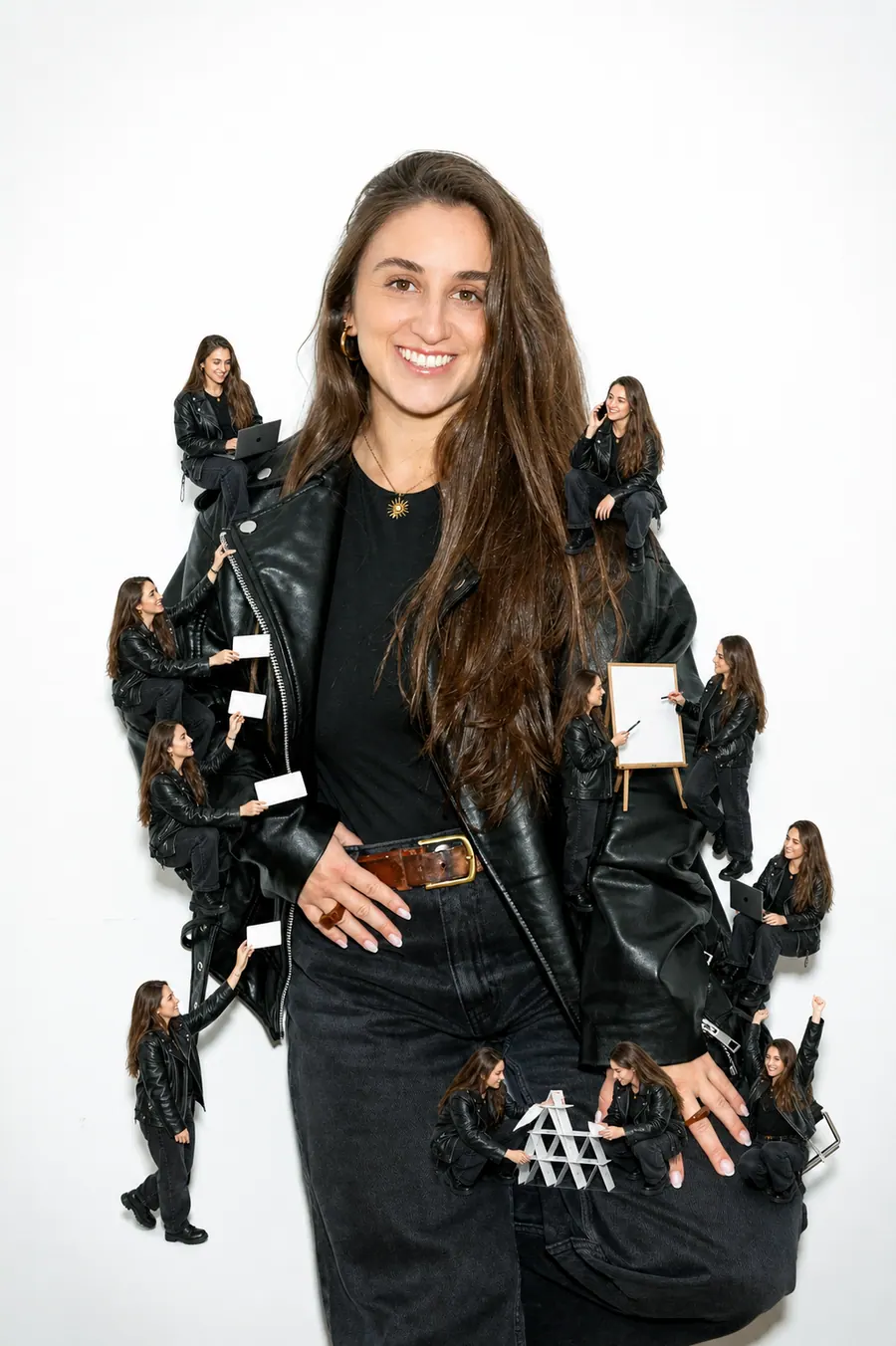
Claudia Gonzalez
AI Client Success Manager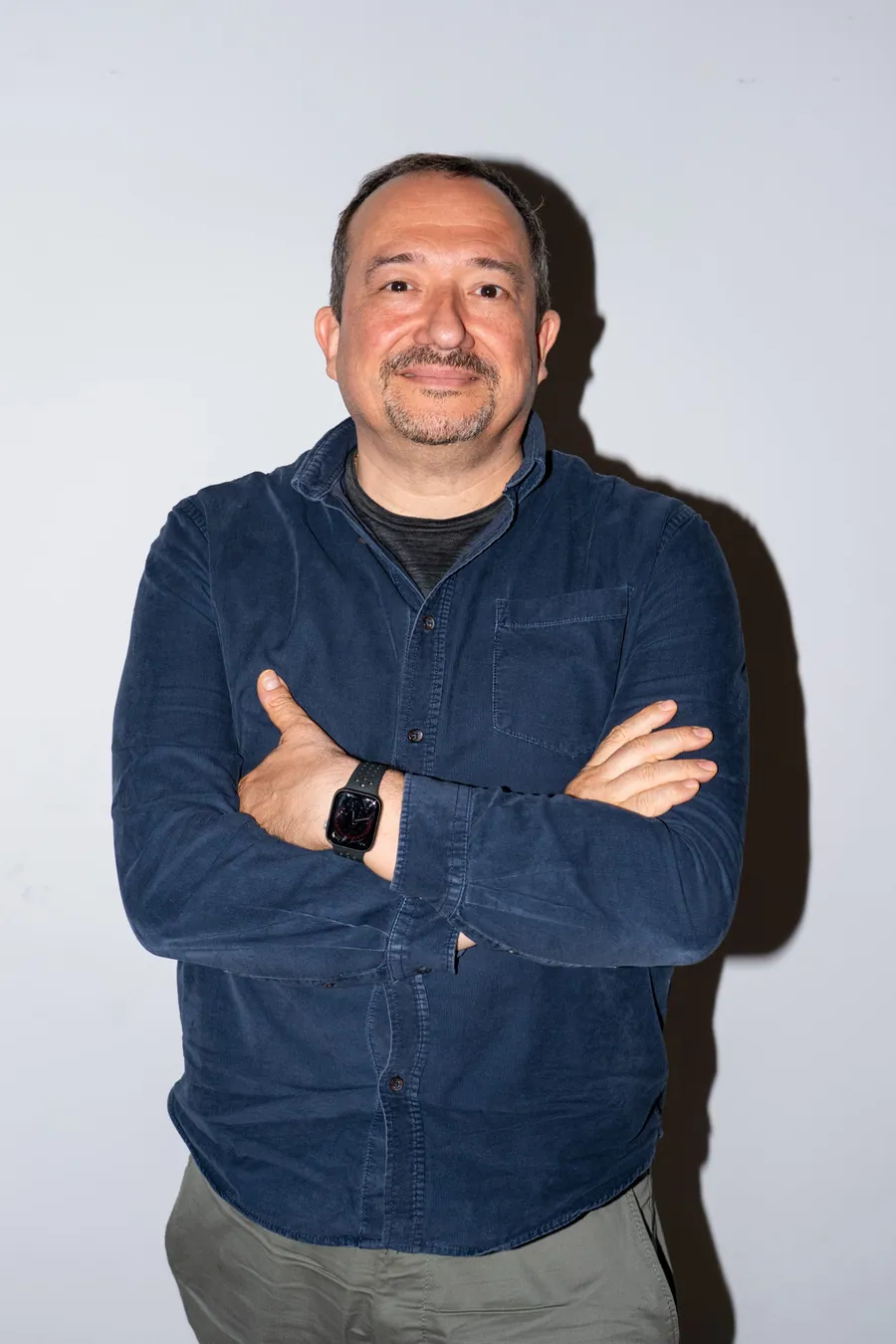
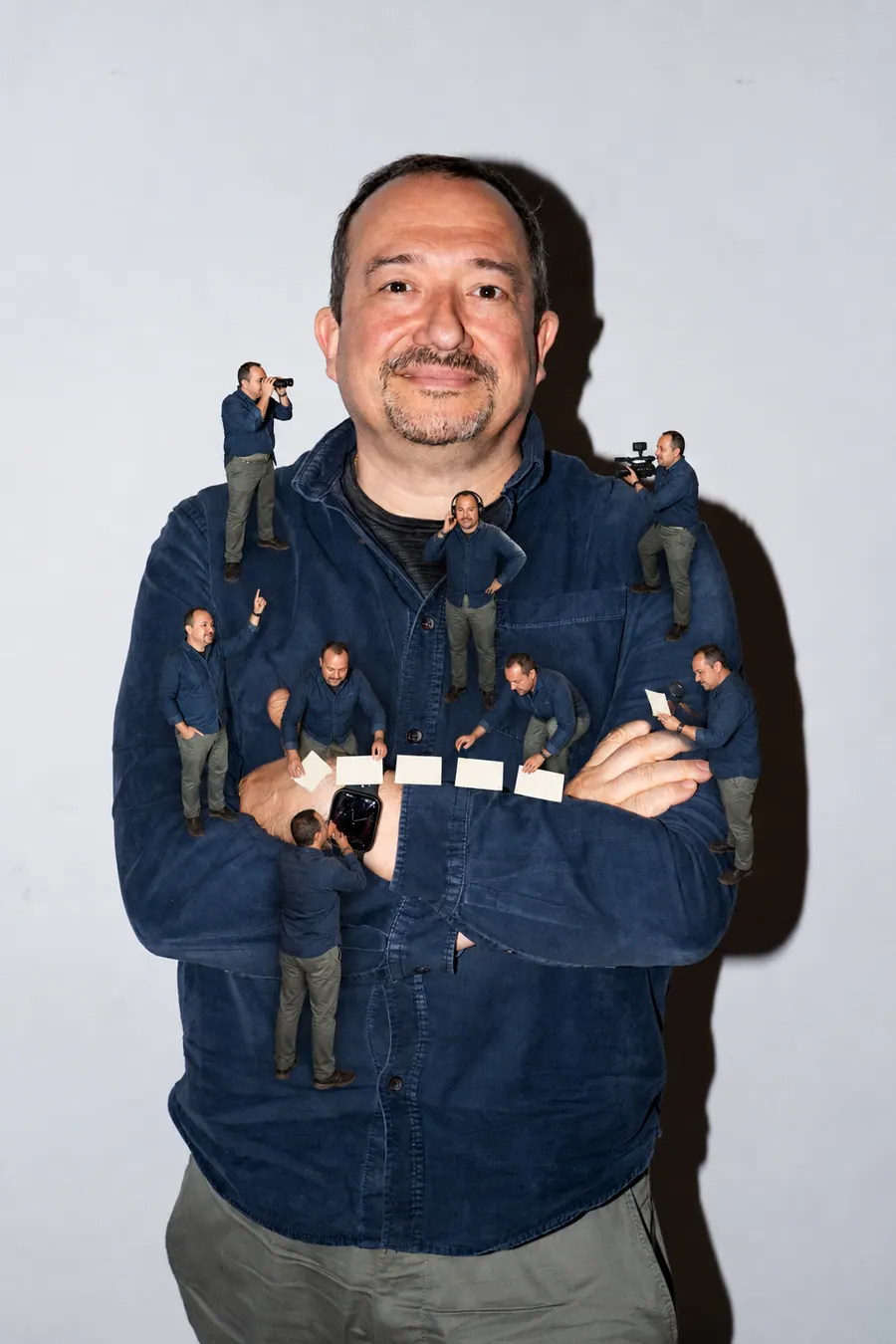
Jonan Basterra
AI Social Strategy Director

Laura Sabio
Agentic Social Media Lead
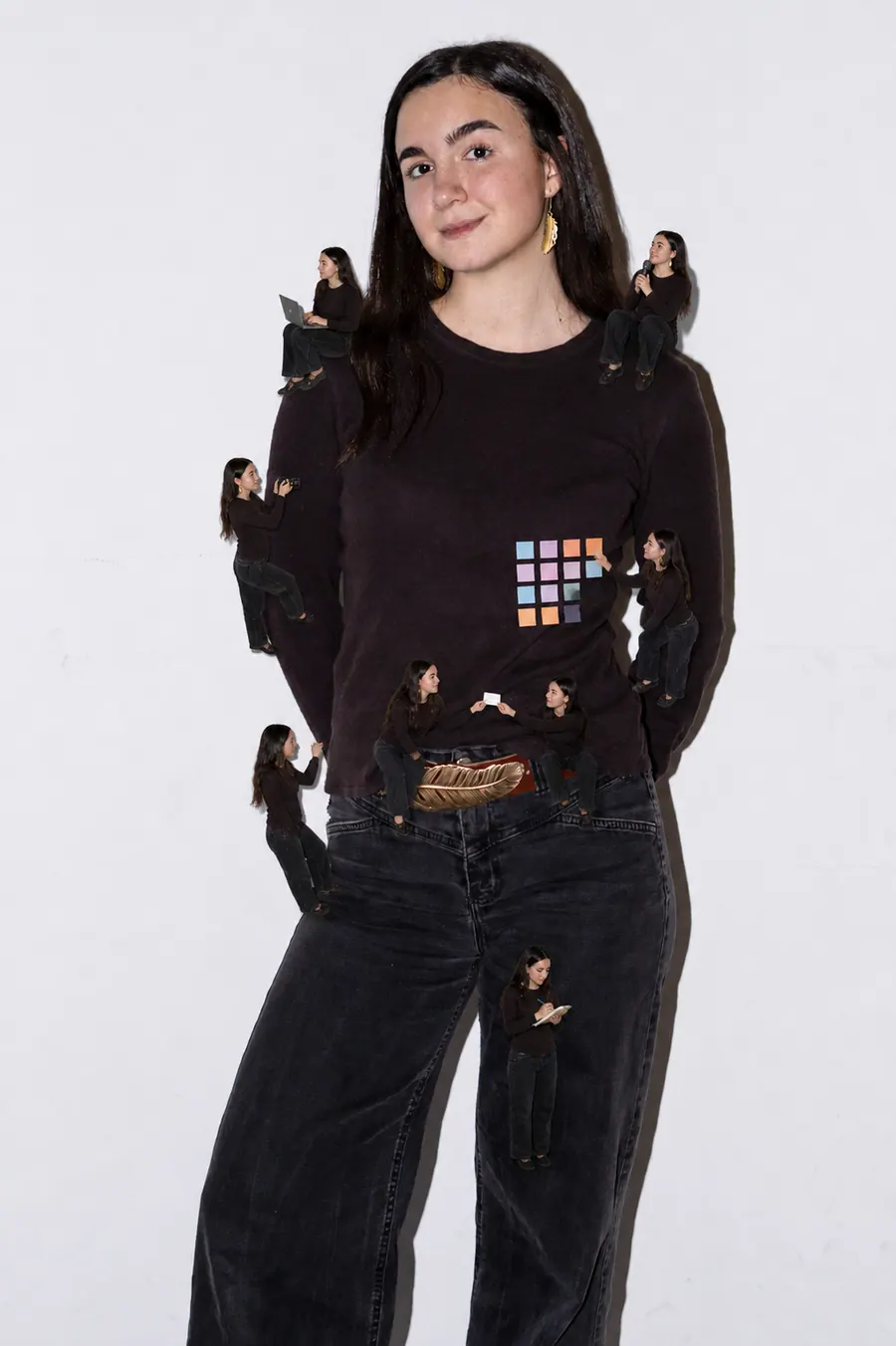
Agustina Córdoba
Content AI Specialist
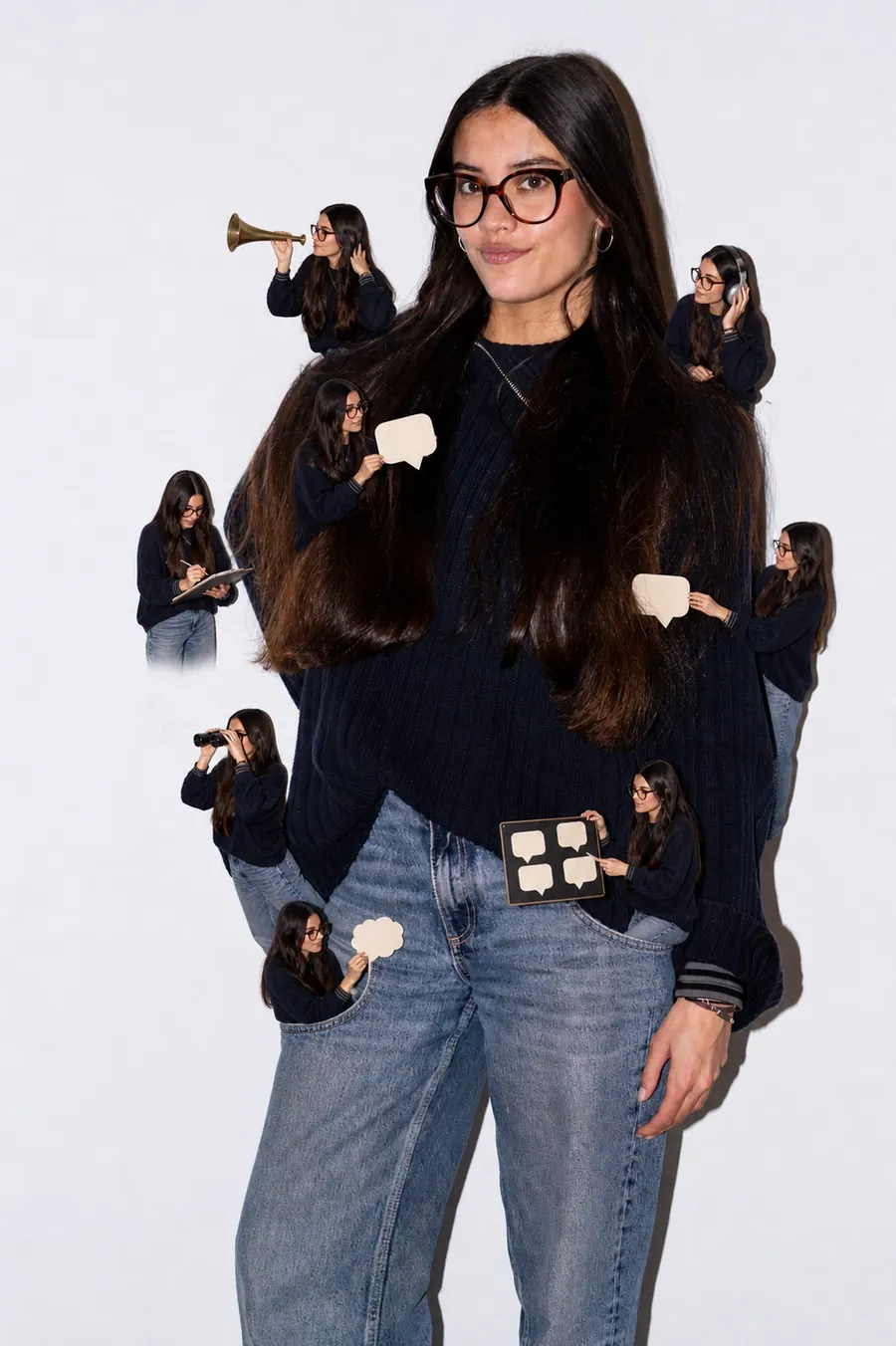
Alba Gómez
Social Listening Specialist
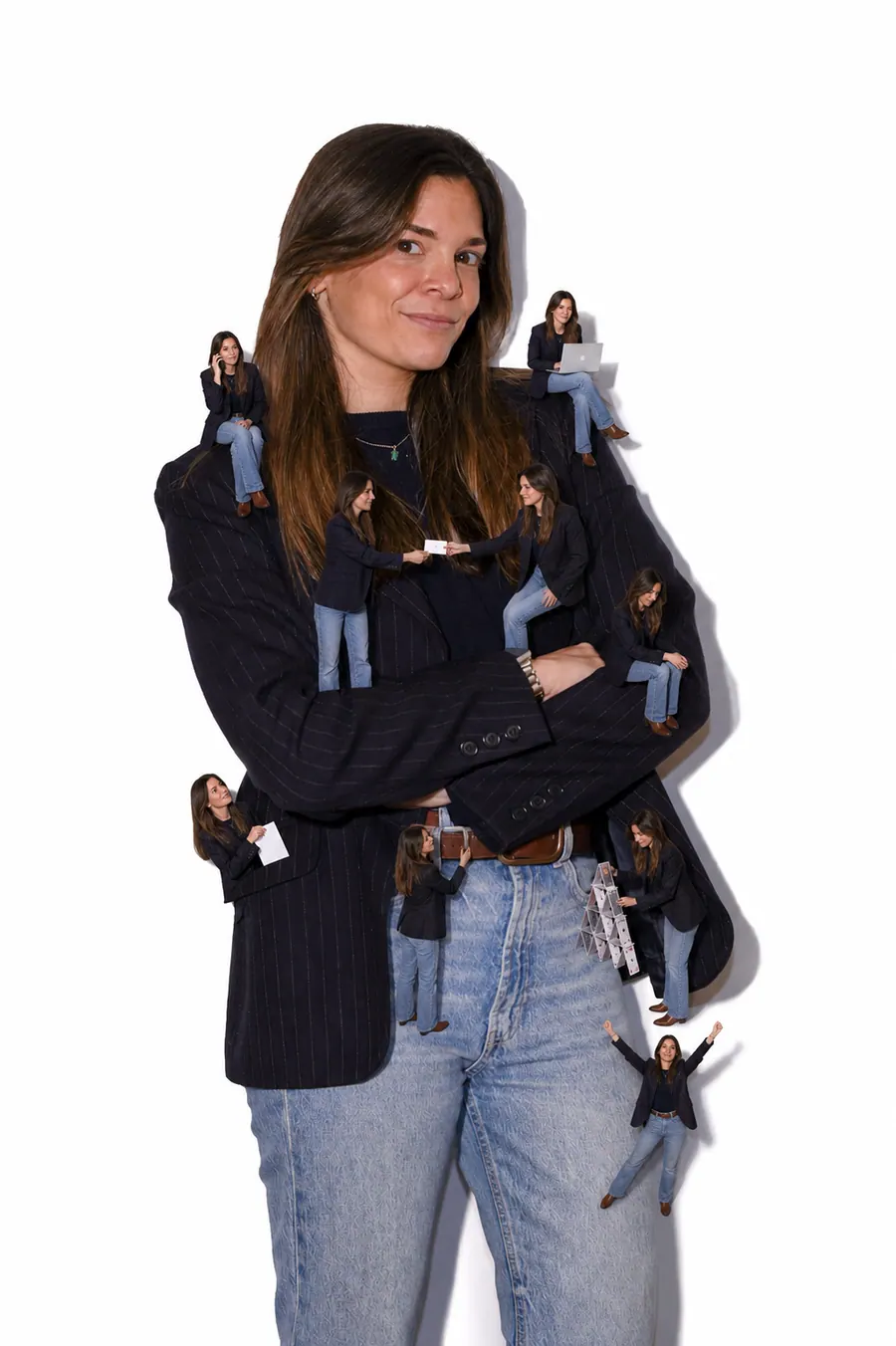
Paola Cudeiro
AI Client Success Specialist

Roger López
AI Project & Workflow Specialist

Mar Berzal
AI Content Strategy Lead

Andrea Gallego
Community Intelligence Specialist
Candela de la Fuente
Content AI Specialist

Blanca Gómez
AI Community Operations Specialist
Cintia Armajach
Content AI SpecialistLet’s talk
Let's talk about Video Editor
Tell us about your situation, even if the challenge is not fully defined. A member of our team will respond to understand the process and discuss a first step.
hello@karmina.ai