KarminaAI StudioAgents · Services · Training





· ARCHITECTURE, IMPLEMENTATION AND ADOPTION SERVICE
Notion should be more than another folder.
It should be where work moves forward.
We convert documents, databases, projects and knowledge into a clear working system: every information has a place, every step has a manager and every team sees what it needs.
 Workspace
TotsThis weekPriority
PROJECTSFINANCESCRMONBOARDINGKNOWLEDGEAUTOMATION
THE CHANGE
From many pages to one system.
Notion is flexible. Precisely for this reason, it is also easy to end up with duplicate templates, databases that do not speak to each other, permissions difficult to understand and dashboards that nobody maintains.
Our service starts with the real work. We organize the information, relate what must be connected and build an environment that the team can use without becoming an expert in the tool.
WHAT WE CAN DO WITH NOTION
One workspace. Many ways to move your company forward.
The pieces can be activated separately or form a related system. Let’s not impose an “all in one”: we decide which job makes sense to bring to Notion and which should continue in a specialized tool.
Dashboards Business
Projects, capability, goals, budget and indicators connected in a view that helps you decide, not just look.
Projects and tasks
Responsible, dates, dependencies, milestones, priorities and specific views for each team without duplicating the information.
CRM and portals
Accounts, opportunities, meetings, proposals, deliverables and customer tracking related to the actual job.
Wiki and processes
Policies, criteria, templates, manuals and decisions with owner, version and date of review.
Onboarding
Itineraries of incorporation, materials, access, meetings, tasks and follow-up of the first 30, 60 and 90 days.
Invoicing and control
Budgets, bills, dues, collections and visible incidents, connected with the accounting tool when necessary.
Forms and requests
Briefs, highs, incidences, feedback and requests that enter directly into the appropriate database.
Notices and integrations
Assignments, reminders, notifications, webhooks and connections with Slack, Teams, Drive, Calendar, Make or Zapier.
DASHBOARDS THAT EXPLAIN THE WORK
The same data, viewed through the right decision.
Visuals are recreations with fictitious data. The actual workspace captures have not been published to protect internal information.TotsThis weekPriority
Intended42,8kQuarterly
Issued31,2k73%
Pendent8,4k4 invoices
Project LevanteCobrada4.200 €
Northern ProjectSent2.850 €
Delta ProjectPrepare1.350 €
42%
✓Team and cultureCompleted
✓Accesses and toolsCompleted
3Processes of Role4 7 Tasks
4First ReviewScheduled

When finances, projects and invoices share a structure, we stop chasing data and we can read earlier what has been issued, what is missing, what is planned and where we need to intervene. Notion does not replace accounting: it gives us the tracking layer that the operation needs.
CURRENT CAPACITIES
Databases, forms, dashboards, automation and search.
Notion allows you to connect databases with relationships and calculations, display information as a table, calendar, board, timeline or graph, collect entries with forms and activate automations from changes.
When context and permissions allow, we can also explore Notion AI and its plugins to search for information from workspace, and other tools. The AI helps to find and summarize; architecture, permissions and responsibility remain human.
Relate
Clients ↔ projects ↔ tasks ↔ meetings ↔ invoices.
View
Table, board, calendar, timeline, gallery, graph and dashboard.
Gather
Internal or external forms directly connected to the data.
Enable
Assignments, notices, updates, emails, Slack and webhooks.
Find
Search, summaries and answers based on authoritative knowledge.
HOW WE WORK
Building is part of it. Making sure it gets used is the service.
The project leaves behind a comprehensive architecture, a configured space, the trained team and an improvement system. Each phase has a reviewable output.
Audit the real work
We review spaces, databases, documents, permissions, duplications and processes that today depend on memory or manual monitoring.
We design the architecture
We define what information is master, how it is related, who maintains it and what views each role needs.
Set up the system
We create databases, templates, forms, dashboards, automations and connections in a reviewable environment.
We only move what serves
We clean and import the necessary information without turning the new space into a messy historical warehouse.
We form about the work
The team practices with their cases, managers and rituals. We leave short guides and a person owning the system.
Measure and adjust
We review use, friction and data quality to simplify views, correct automation and grow the system with criteria.

A good space of Notion makes an invoice, a incorporation or a task do not depend on remembering who had to do what. Each step is responsible, date, document and status; the team comes in and knows where the next move is.
CRITERIA BEFORE YOU SET UP
Not everything belongs in Notion.
A good system also knows what it leaves out. We define borders before connecting data or automating actions.
- 01This is not the accounting program.
It can follow the operation, but it does not replace accounting or taxation.
- 02It's not a file without an owner.
Each base, template and process needs a responsible person and a review date.
- 03We do not connect data by default.
We review permissions, sensitivity, purpose and maintenance before moving or synchronizing information.
- 04We do not automate a confusion.
We first make the process and exceptions visible; then we decide what can be automated.
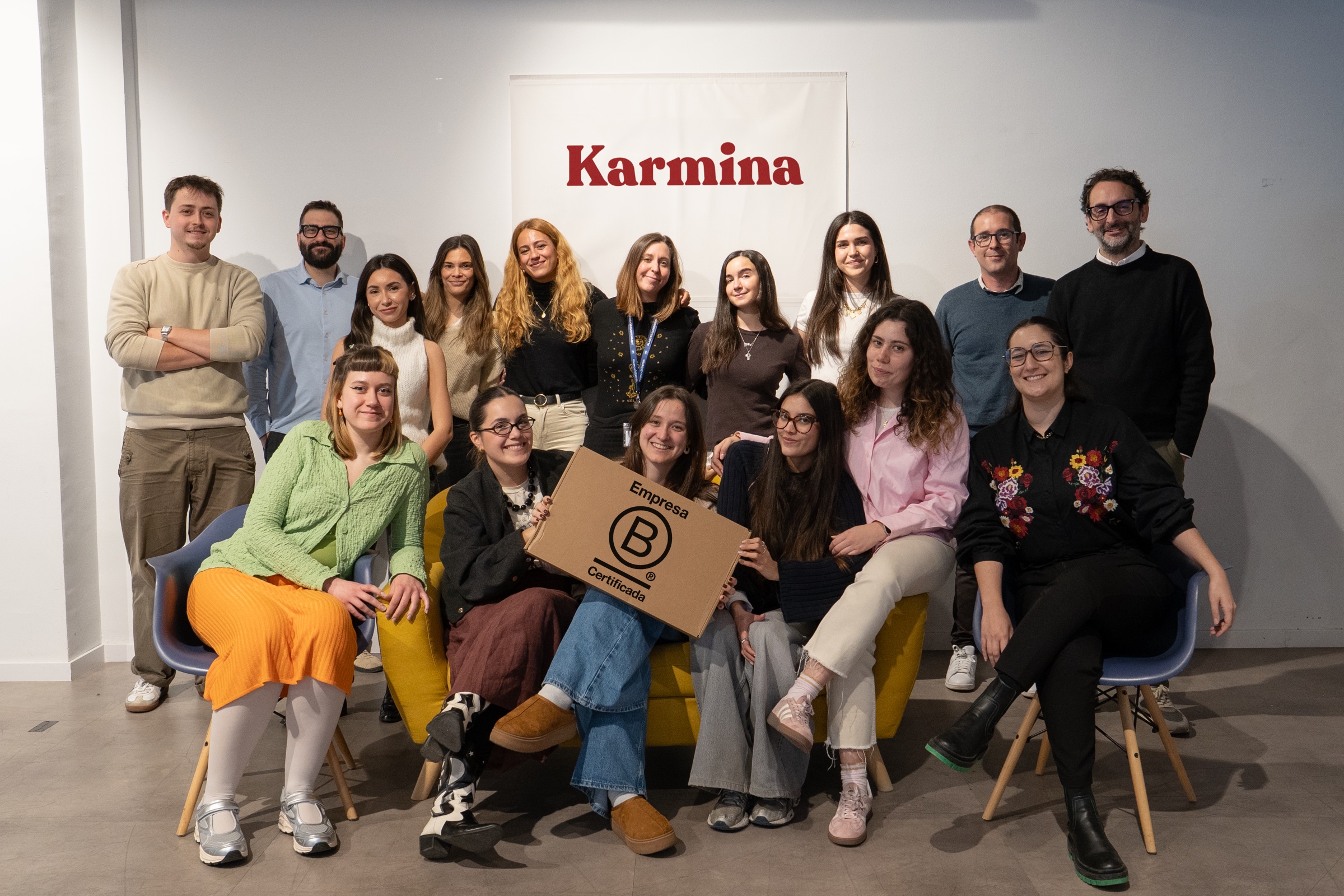
Karmina, the agency behind the Studio
Why Karmina?
Behind Karmina AI Studio there is an agency with track record, team, scale and applied experience in real organizations.
Karmina · AI Studio · Criterio · Dunder Mifflin · Utopiq · Smart Team
 +€119mIn advertising investment for clients
Ads Platforms
Partners MetaGoogle Ads
 TikTok
 Pinterest
 Barcelona
Madrid
Buenos AiresOur offices · Meet the team ↗
+50 KCommunity
 B CorpCertified company
FREQUENTLY ASKED QUESTIONS
Before we touch your workspace.
01Can you order a Notion that already exists?+
Yeah. We start with an audit of the current space and propose what needs to be preserved, related, simplified, archived or reconstructed. We do not migrate or eliminate anything without an agreed review.
02Can Notion replace the accounting program?+
That is not our recommendation. It can give operational visibility on budgets, bills, dues and collections, but accounting, taxation and settlements must continue in the specialized system that corresponds.
03Can you connect with other tools?+
Yes, according to plan, permits and process. Notion offers automations, notifications and webhooks, and can connect with other tools via native integrations, API, Make or Zapier.
04Are you also training?+
Yeah. The implementation includes the necessary adoption for the team to understand what to do, what not to touch and how to detect an incident. We can also do independent training.
05What do you need to budget?+
A first conversation about teams, processes, current space, connected tools and expected result. Then we can delimit an audit, a specific system or a phased implementation.
Independent service of Karmina. Notion is a trademark of its owners. Capabilities tested against official Notion documentation on August 30 from 2026.
Let’s talk
What work should be clear when you open Notion?
Tell us what you have today, what teams are working on and where the follow-up is lost. The first conversation serves to delimit an audit, a specific system, or a phased implementation.
hello@karmina.ai