KarminaAI StudioAgents · Services · Training





COPILOT · MICROSOFT 365 CONSULTATION AND COPILOT STUDIO
Your knowledge,
at work with Copilot.
We help organizations that work with Microsoft 365 apply Copilot with shared context, permissions, and criteria. We prepare uses in Teams, Outlook, Word, Excel and PowerPoint, we order corporate sources and value agents with Copilot Studio. A consulting, implementation and adoption service connected with Karmina Brain.
 MICROSOFT DINE KNOWLEDGE
at work.
S
SharePointCurrent fonts + revised permissions
Teams
Meeting AgreementsPowerPoint
Project presentationCOPILOT STUDIO
An agent to consult a specific protocol.
Sources, actions and delimited approvals.Authorized access → reviewable response
MICROSOFT 365SHAREPOINT AND TEAMCOPILOT STUDIOADOPTIONKARMINA BRAIN
THE START POINT
- Active licenses without clear use cases.
- Documents duplicated or shared with too many people.
- Abstracts that do not become revised actions.
Activating Copilot does not command the knowledge of the company.
Proposals are in SharePoint, decisions in Teams and tracking in emails and spreadsheets. Copilot can help you work on it, but the usefulness depends on the content available, the accesses and the process.
We connect business, communication and teams with Microsoft administration 365. We identify what can be solved with existing capabilities and what an agent needs, a connection or a change in the way they work.
KARMINA BRAIN · APPLIED KNOWLEDGE
Karmina Brain, applied to your Microsoft environment.
The Knowledge Foundation sorts the material. Brain adapts it to the tasks and agents of Microsoft 365 so that sources, people and criteria remain connected during the service.
THE STARTING MATERIAL
- Protocols to SharePoint
- Word templates
- Commercial argument
- Reporting Criteria
- 01
Identifying knowledge
We choose current sources and owners, with those responsible for each area.
- 02
Agree on the accesses
We check with IT who should see each document and what each agent can do.
- 03
Applying the Criteria
We configure Copilot uses and Studio agents for delimited needs.
- 04
Review the continuity
We update sources and instructions when processes, teams or services change.
ILLUSTRATIVE EXEMPLARY · MICROSOFT COPILOT
What is the process for approving this proposal?
It explains the working criterion; it is not a real response from the tool.What we prepareAn orientation based on the current and accessible protocol for the person who consults.
What's left to validateIf the protocol is missing or the case is an exception, the answer goes to the person responsible.
Copilot respects configured accesses, but too wide accesses remain a problem. The project includes detecting them and agreeing to correct them with IT.
Brain is part of how we deliver service. It is the cross-cutting program of Karmina to connect knowledge, people, tools and processes. The tasks of consultation, configuration and support are detailed in the proposal.
CONSULTANCY AND IMPLEMENTATION SERVICES
What we do as Microsoft consultants Copilot.
We define the scope with the business team and the technical managers. Implementation includes knowledge, permissions, method and training.
Organization preparation for Copilot
We review processes, plans, sources and availability of functions. We identify a pilot with participants, managers and outcome criteria before expanding the use.
US FREEM
Pilot's preparation report and roadmap.
SharePoint and OneDrive as useful sources
We invent documents and criteria, detect duplicates and establish owners and revisions. We coordinate with IT the review of accesses and excessive sharing.
US FREEM
Map of sources, responsible and access incidents to correct.
Uses in Word, Excel and PowerPoint
We prepare circuits for proposals, reports and presentations with templates and authorized data. We define how content, formulas, graphs and consistency are checked.
US FREEM
Practical cases by application and review criteria.
Teams, Outlook and meeting tracking
We design guidelines to prepare meetings, summarize threads and review agreements. We connect the results with a clear way to assign and confirm the next actions.
US FREEM
Meeting guides, summary and follow up with responsibilities.
Knowledge assistants with Copilot Studio
We define agents to consult protocols, services or corporate materials. We select sources, instructions, tools and limits; we check answers and permissions with the technical team.
US FREEM
Pilot agent and set of questions to evaluate it.
Flows and approvals between tools
We value Copilot Studio, Power Automate and plugins when you need to update logs or complete steps. We separate the proposal for action from your authorization.
US FREEM
Delimited flow, approvals, error handling and planned traceability.
Criteria for use and coordination with IT
We translate business needs into operational policies: allowed sources, actions, review, sharing and maintenance. The identity and data protection configuration is worked with who is responsible.
US FREEM
Use guide, role map and documented configuration decisions.
Training and support for roles
We form with documents and situations of the organization itself. We accompany internal references and review frictions, quality and evolution of uses.
US FREEM
Practical itineraries, guides and monitoring of the pilot or deployment.
POSEM CONTEXT A MICROSOFT COPILOT
Where it makes sense to start with Microsoft Copilot?
In a first conversation we can understand the process, the tools you already have and the priorities of the team before specifying an intervention.
Video call · free · no obligationLet's talk on a video call ↗A short conversation to understand your starting point and bring clarity.
POSSIBLE APPLICATIONS
Copilot in three working situations.
Select a process to see what we would design and where the team intervenes. They are examples of service, not customer cases or automations in execution.
ILLUSTRATIVE EXEMPLARY
An answer about a protocol, with the right source.
For teams that need to consult procedures and services on a recurring basis.
- 01Select the protocol
- 02Review the accesses
- 03Preparing the Agent
- 04Contrast Answers
- 05Maintain the versions
WHAT'S PREPARED
A query delimited to authorized sources with a criterion to escalate doubts.
WHERE A PERSON INTERVENTED
The owner of the protocol validates the content. The agent makes no exceptions.
Testimonial Proposal · Pending ValidationText written for this landing page. This is not a literal quote from Roger López.

The adoption of Copilot is built with cases that each team recognizes: a proposal, a meeting or a report. Training connects these uses with permissions, sources, and how to review work within the organization.
TWO CAPES THAT CONVÉ DIFFERENTIATE
Microsoft 365 Copilot and Copilot Studio.
It’s not two ways of saying the same thing. The former accompanies work on Microsoft 365; the latter allows preparing specific agents and processes.
Microsoft 365 Copilot
To assist the work with information and applications of the organization according to the license and permissions.
- Documents, data, mail and collaboration.
- Use cases by role and by application.
- Training, adoption and quality of results.
Microsoft Copilot Studio
To build and manage agents and flows with defined sources, instructions and tools.
- Assists for a specific process or area.
- Connectors, actions and approvals.
- Testing, monitoring and maintenance of the agent.
Copilot Chat experiences, Microsoft 365 features, and Studio consumptions depend on licensing and configuration. We do not assume that a subscription covers the entire project.
WHAT'S IN YOUR ORGANIZATION
A deployment that includes people.
We leave an operational process, useful documentation and a clear distribution of responsibilities between business and IT.
- Diagnosis and range of the pilot.
- Inventory of sources and review of access planned.
- Use cases by role with contrasting examples.
- Agents or agreed flows, if they are part of the scope.
- Monitoring guides, errors and maintenance.
- Training and monitoring of adoption.
THREE MANNERS OF WORKING FOLLOWS
A service with a defined scope, team and continuity.
We can start with a diagnosis, implement a system or accompany the operation. The specific budget deliverables, dependencies, responsibilities and coverage.
Diagnosis Copilot
To know what the environment allows and what must be ordered before activating uses.
- Review with business and IT.
- Sources, permissions and functions available.
- Defined pilots and managers.
Microsoft 365 or Studio Pilot
To start a process with sources and review criteria.
- Configuration within the authorized scope.
- Tests with real users and situations.
- Training and documentation.
Programme of adoption
To incorporate new teams and maintain useful uses over time.
- References and sessions by role.
- Quality and friction review.
- Improvements and new priority processes.
IF YOU ALREADY HAVE A STARTING POINT
Tell us how you work today. Microsoft Copilot.
A summary of the process, the teams involved and the expected result helps us prepare the conversation. For the first assessment, no credentials or sensitive data need to be shared.
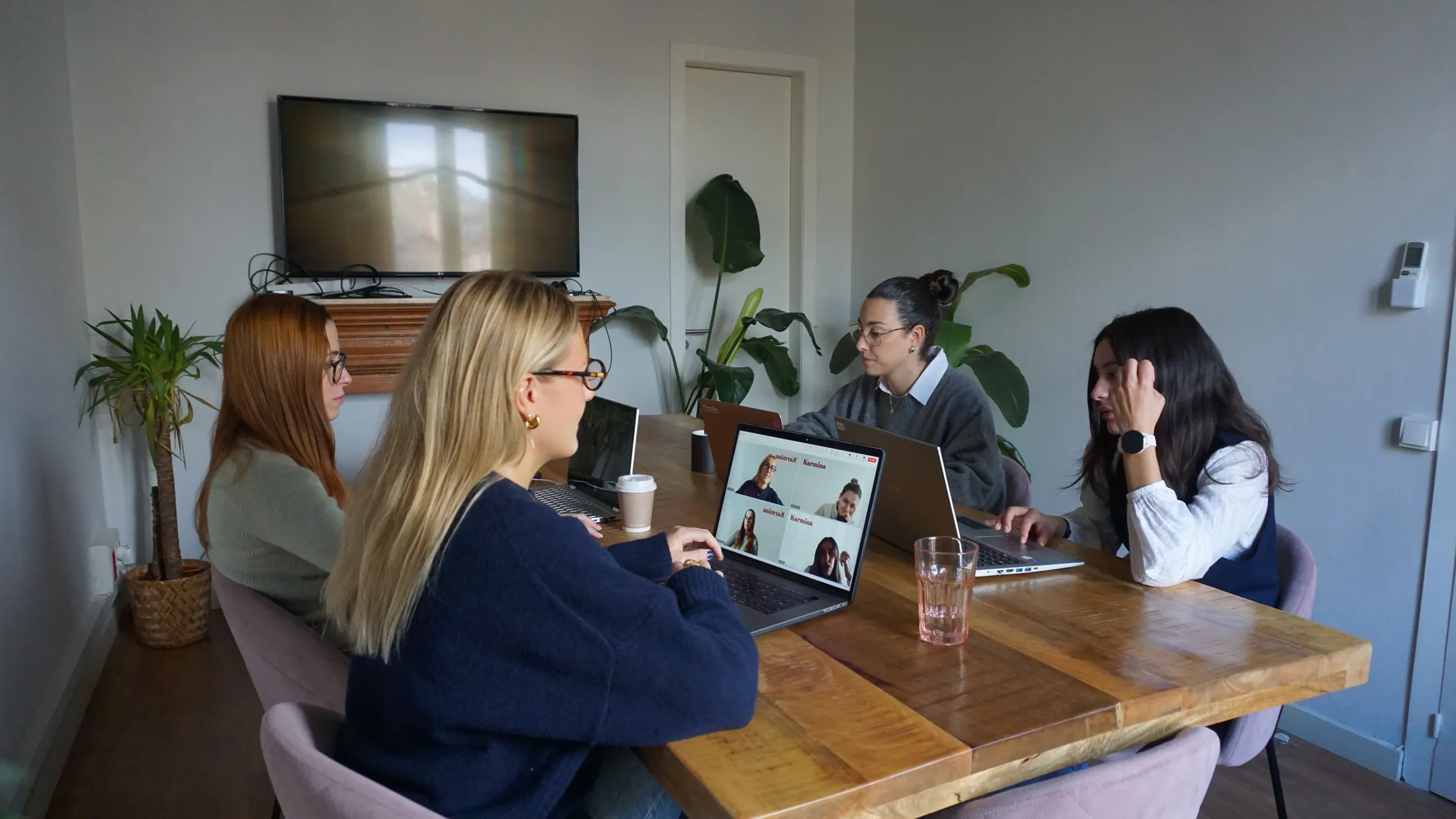
TRAINING ON REAL WORK
Copilot is learned through the work of each team.
A generic session does not solve the doubts of sales, communication or operations. We adapt the exercises to the applications and the authorized data of each role.
Microsoft 365 Users
Work with Word, Excel, PowerPoint, Outlook and Teams and review the results.
Managers and references
Choose cases, accompany the team and maintain reference materials.
Business and technical team
Agree limits, permits, test criteria and agent maintenance.
MICROSOFT COPILOT KARMINA ECOSYSTEM DINS
The tool is part of a wider system.
These connections are activated when the project needs them. Each service provides a specific part of the knowledge, strategy, production or operation.
CLARGE BEFORE YOU START
Scope and responsibilities, in writing.
The service of Karmina, the licenses of the tool and the costs of third parties are differentiated in the proposal.
Coordination with IT
Corporate identities, permissions, policies and configurations are managed with the authorized managers. We do not replace Microsoft administration 365.
Sources and sharing
We do not extend access to get an answer. We review duplicate documents, old sources and excessive permissions before extending the uses.
Meetings, data and decisions
Notes and transcripts follow the organization’s policies. Sensitive calculations, agreements, and decisions need human verification.
Licenses and Maintenance
Microsoft 365, Studio, plug-ins and consumptions may have different costs. The budget specifies what includes Karmina and who maintains each component.
COM SABREM IF IT WORKS
We measure usage and results.
Set a starting point and project indicators. We do not anticipate percentages of improvement without data.
Adoption by process
What uses come into the operation and what continue to generate friction.
Quality and Supervision
Contrasted answers, errors and corrections detected before delivery.
Accessible knowledge
Current sources, identified owners and resolved access incidents.
OTHER SERVICES FOR TOOLS
What could the next step be?
Consulting that we can evaluate according to your process. The links do not involve already configured integrations or you need all these tools.
CONSULTATION MICROSOFT COPILOT
What do you want to do with Copilot?
Tell us how you work with Microsoft 365, which teams participate and if you already have an active pilot.
hello@karmina.aiIndependent consulting of Karmina AI Studio. Trademarks identify tools; they do not involve partnership or certification. the Revised Capabilities 30 August 2026, subject to plan and availability.
Karmina Question Library ↗