




Prepare a proposal.
- Understand the need
- Consult the current services
- Leave the conditions to validate
GEMINI · GOOGLE WORKSPACE AND KNOWLEDGE
We help your team work with Gemini on company documents, criteria and processes. Consulting, configuration, use cases and training so that the AI in Gmail, Drive, Docs, Sheets and Meet has a concrete utility. Karmina Brain connects this work with what the organization knows and decides.
 GOOGLE WORKSPACE WITH CONTENT
Draft → team review
THE START POINT
The briefing is in a document, the decision in an email and the budget in a sheet. The team may request summaries from Gemini, but it still has to reconstruct the context each time.
Let’s start with the tasks and sources: what each person needs, what document is valid and what information can be consulted. Then we configure the uses of Gemini that fit with your environment and practice them on real work.
KARMINA BRAIN · APPLIED KNOWLEDGE
The Knowledge Foundation sorts and validates the material. With Karmina Brain we adapt it to the uses of Google Workspace and maintain criteria, responsible and reviews throughout the service.
We identify the current Drive documents and who can consult them.
We prepare instructions for Gems, notebooks and tasks in Workspace.
We contrast real questions, old documents and missing information.
A person reviews the corrections and decides what is incorporated into the sources.
ILLUSTRATIVE EXEMPLARY · GEMINI
What we prepareA draft based on the selected argument and current conditions.
What's left to validateIf the deadline or discount is not approved, confirmation remains pending.
A Gem or a notebook is a piece of the system. It does not replace the access policy, the person responsible for the content or the review of the materials.
Brain is part of how we deliver service. It is the cross-cutting program of Karmina to connect knowledge, people, tools and processes. The tasks of consultation, configuration and support are detailed in the proposal.
CONSULTANCY AND IMPLEMENTATION SERVICES
From first pilot to sustained use in Google Workspace. Each intervention specifies the process, the materials, the accesses and the result that we will review.
We review how you work with Workspace, what features you have available and where you waste time. We prioritize cases for teams, dependencies and risk, without activating tools that you do not need yet.
Uses map, plan review and pilot proposal.
We order reference documents, versions and responsible. We separate existing material, drafts and restricted information before using them as context.
Inventory of sources, access criteria and updating guidelines.
We configure instructions, examples and knowledge to prepare briefs, revise texts or guide a recurring task. We provide complete answers, with missing information and conflicting sources.
Documented gems, test cases and use guide.
We prepare research and learning notebooks with selected sources in Gemini Notebook, formerly NotebookLM. We organize questions, synthesis and materials that allow us to return to the original document.
Thematic charts, source map and appointment review guideline.
We design the route between briefing, Docs, Slides and brand criteria. We prepare structures, instructions and review points for campaigns, proposals and internal communication.
Work templates and a first proven production circuit.
We work using Gemini in Gmail and Meet to prepare conversations, summarize threads and propose actions. We define how agreements, recipients and sensitive information are reviewed.
Guides by role and summary format with agreements to confirm.
We value Workspace Studio, Apps Script or n8n when you need to connect steps. We design triggers, permissions, and approvals; integrations with API are defined as a specific implementation.
Flux pilot, connection map and error protocol.
We form internal teams and referents on their documents and processes. We review usage, frictions and quality of results, and update guidelines when the tool or business changes.
Practical itinerary, brief guides and agreed monitoring.
POSEM CONTEXT A GEMINI
In a first conversation we can understand the process, the tools you already have and the priorities of the team before specifying an intervention.
POSSIBLE APPLICATIONS
Select a process to see what we would design and where the team intervenes. They are examples of service, not customer cases or automations in execution.
For commercial teams working between Gmail, Drive and Docs.
A consistent draft with services, argument and commercial template.
Sales confirms conditions and budget. Gemini does not deduct them from old conversations.
Testimonial Proposal · Pending ValidationText written for this landing page. This is not a literal quote from Roger López.

If your team is already working with Google Workspace, training should start with your emails, documents and meetings. With Gemini we prepare concrete uses and learn to review them so that they become a common practice.
CHOOSE WELL THE ENTERTAINMENT
We distinguish the work within Google Workspace from projects that need a corporate platform or own development.
To take advantage of the AI in everyday tools and prepare assistants and notebooks with context.
To value search and corporate agents or integrations that go beyond pilot to Workspace.
Having Google Workspace does not mean having all the capabilities of Gemini Enterprise or API enabled. Let’s look at it before defining the scope.
WHAT'S IN YOUR ORGANIZATION
We leave configuration, materials and knowledge to your environment, with identified managers.
THREE MANNERS OF WORKING FOLLOWS
We can start with a diagnosis, implement a system or accompany the operation. The specific budget deliverables, dependencies, responsibilities and coverage.
To decide where to start with the account and materials you already have.
To configure a first use of Gemini that can be incorporated into the usual work.
To extend what works and keep the knowledge useful.
IF YOU ALREADY HAVE A STARTING POINT
A summary of the process, the teams involved and the expected result helps us prepare the conversation. For the first assessment, no credentials or sensitive data need to be shared.
TRAINING ON REAL WORK
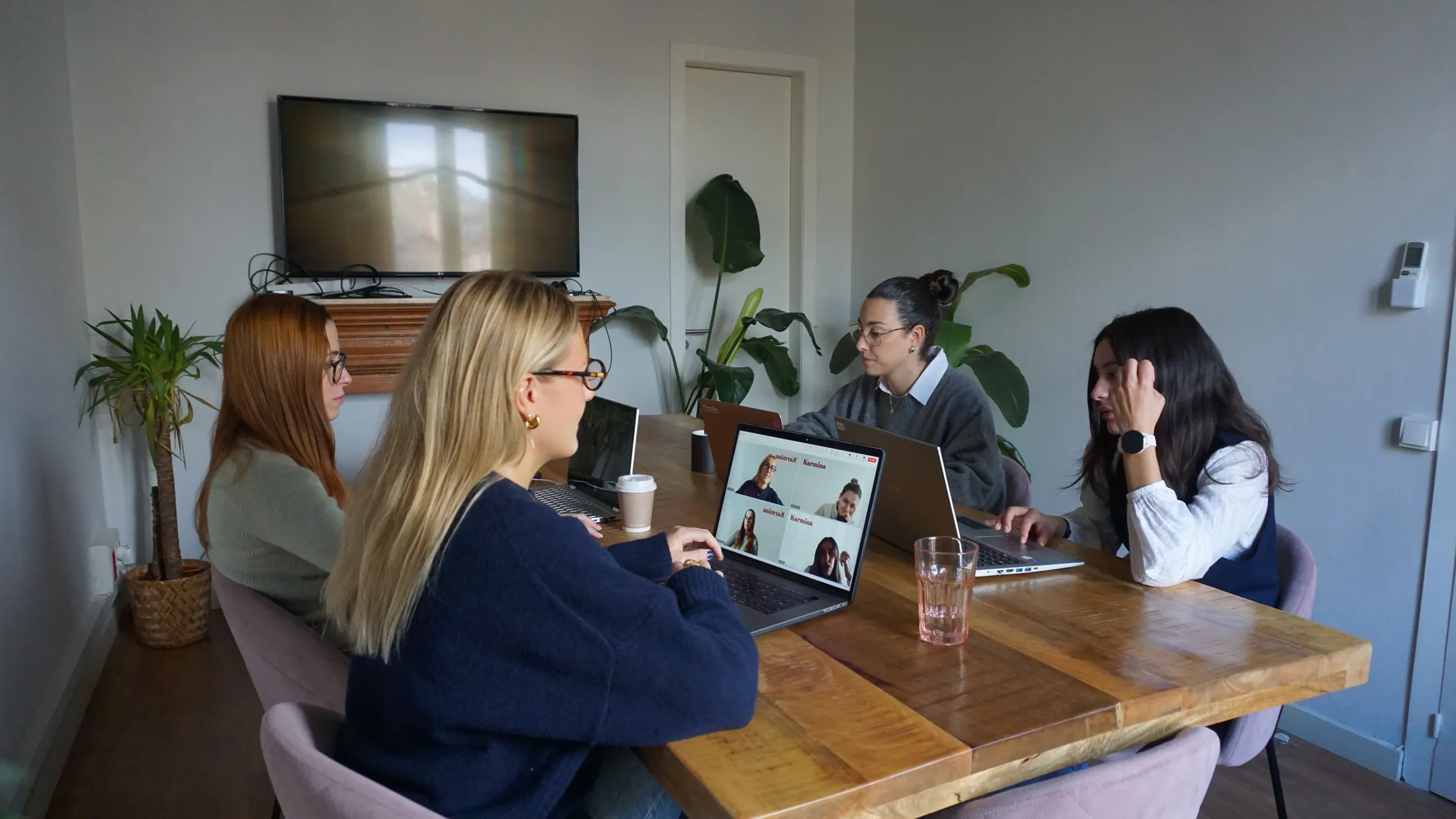
We practice with the tools that the team opens every day and authorized materials of the organization.
Briefs, writing, presentations and review with brand criteria.
Mail, meetings, source consultation and task tracking.
Permits, maintenance of materials and support for other people.
GEMINI KARMINA ECOSYSTEM DINS
These connections are activated when the project needs them. Each service provides a specific part of the knowledge, strategy, production or operation.
CLARGE BEFORE YOU START
The service of Karmina, the licenses of the tool and the costs of third parties are differentiated in the proposal.
We check what functions are available, who can activate them and what policies are applied. We do not work with personal accounts by default.
We define which sources are loaded or connected and who has access to them. Sharing a notebook or an assistant also requires reviewing its content.
A reference or generated formula must be checked. Answers about commercial conditions or critical data need revision.
Sends and system updates have permissions and approval points. Licenses and consumptions are not confused with the service fees.
COM SABREM IF IT WORKS
Set a starting point and project indicators. We do not anticipate percentages of improvement without data.
Which cases are repeated and which teams have incorporated them.
Necessary corrections, missing sources and errors detected in review.
Updated materials, resolved incidents and autonomy of the references.
OTHER SERVICES FOR TOOLS
Consulting that we can evaluate according to your process. The links do not involve already configured integrations or you need all these tools.
CONSULTATION GEMINI
Tell us how you work with Google Workspace and what process you would like to improve.
hello@karmina.aiIndependent consulting of Karmina AI Studio. Trademarks identify tools; they do not involve partnership or certification. the Revised Capabilities 30 August 2026, subject to plan and availability.
Karmina Question Library ↗