KarminaAI StudioAgents · Services · Training





Performance & Intelligence · AGENT-A03
Ads Monitor
This landing page explains what automates Ads Monitor, what sources and tools you need, how the result is reviewed and how it can be applied within a company.
StrategyOwn knowledgeProportional permissionsHuman supervisionMeasurement and improvement
01
The agent, at a glance
What Accelerates
Recurrent review of platforms, consolidation of metrics, detection of anomalies, verification of implementations and preparation of readings for the team or the client.
What does it deliver
Prioritized, comparative alerts, possible explanations separated from the confirmed data, tracking incidents, detected changes and pending approval recommendations.
For whom it is
performance teams, marketing, e-commerce, recruitment and agencies that manage multiple campaigns, accounts or platforms.
What it doesn't do
It does not guarantee performance, does not attribute causes without evidence, does not wide budgets and does not modify campaigns, audiences or creativity without an express authorization.
02
The problem it solves
When each platform explains a different part, monitoring is not looking at a dashboard
A campaign can appear normal and, at the same time, hide a broken label, fatigued creativity, displaced spending, a duplicate conversion or a difference between the platform and the business system.
Manual review takes time because it combines:
- Metrics with different definitions.
- Objectives that vary by campaign and time.
- History of changes divided between tools and people.
- Technical issues that may look like performance issues.
- Budget decisions that cannot be automated without context.
- Reports that describe the past but do not trigger a check.
The Ads Monitor turns this tracking into a system of questions, alerts and evidence.
03
What exactly is Ads Monitor?
It is an agent that observes a delimited set of accounts and campaigns, normalizes data, applies business rules and compares behavior with objectives, history and registered changes.
It can operate at different frequencies: a daily incident watch, a weekly trend review and a monthly reading for the reporting. Each layer answers different questions and a daily oscillation should not be confused with a strategic conclusion.
04
What do you do, specifically?
01. Consolidates the minimum viable reading
Gather spending, impressions, clicks, conversions and agreed business indicators. Maintain the definition and origin of each metric.
02. Detect changes and anomalies
It applies absolute, relative or contextual thresholds and differences between expected variations, incidences and signals that deserve review.
03. Check the quality of the tracking
It points out sudden falls, duplications, absent fields or discrepancies between platforms before interpreting them as performance.
04. Relating data to history
Cross the variation with changes in budget, creativity, audience, landing page, offer, calendar or measure recorded.
05. Separate fact, hypothesis and recommendation
It presents what we know, what could explain it, what needs to be checked and what action needs approval.
06. Prepare actionable summaries
It generates a short reading for the team and, when applicable, a client version consistent with the period and objectives.
07. Keeping the Decision Record
It documents alerts, checks, responsibles, actions and results to avoid repeating diagnoses and to better calibrate thresholds.
DUBTE BACK
You don’t have to know which agent you need.
Let’s start with a repeated task, the sources available and the result you want to review. In a free video call we can assess if you need an agent, a service or simply better order the process.
Video call · free · no obligationBook a free video call ↗A short conversation to understand your starting point and bring clarity.
05
How it works from start to finish
- It is activated according to the agreed frequency or in front of a threshold.
- Check that the sources have updated and that the period is comparable.
- Normalize metrics according to the account dictionary.
- It detects changes and crosses them with stock history.
- Classify the finding: fact, incidence, hypothesis, risk or opportunity.
- Prepare the alert with evidence, impact and next check.
- A person decides whether to investigate, correct, wait, or act.
- The agent records the decision and checks the evolution.
06
Example of situation
A low conversion rate is not always a worse campaign.
The Ads Monitor detects a sharp drop in attributed conversions on a platform. Before recommending changes, check that the cost, impressions and clicks remain stable, while the business system retains a similar volume of orders.
It classifies the case as a possible incidence of measurement, shows when the discrepancy began and points to a recent change to the landing page. The technical team checks the label and confirms the error. The campaign is not necessarily modified and the incidence is recorded.
07
What do we need before we launch it?
Essential
- Accounts and campaigns included.
- Objective and role of each campaign.
- Dictionary of Metrics and Conversions.
- Limits, periods of comparison and exceptions.
- Minimal history of changes.
- Responsible for validating alerts and authorizing actions.
- Access and modification policy.
Highly recommended
- Business data or CRM to contrast the platform.
- Commercial calendar, promotions and seasonality.
- Consistent Name Conventions.
- Documented attribution model.
- Register of creatives, landing pages and tests.
08
How we implant it
- We audit sources, definitions and permissions.
- We build the dictionary of metrics and the rules of comparison.
- We design alerts by priority and responsible person.
- Let's do a pilot in read mode, no actions on campaigns.
- False positive calibre, data latency and limit cases.
- We form the team to interpret and close alerts.
- Only then is it worth automating very delimited and reversible actions.
A REAL TASK IS THE BEST BRIEF
Explain where the friction is concentrated.
You can send us an example, the approximate volume and how it is reviewed today. No need to share sensitive data to make a first assessment.
09
Human supervision and boundaries
The agent can
- Read authorized data.
- Detect changes, inconsistencies and absences.
- Prioritize alerts.
- Prepare hypotheses and follow up checks.
- Create reports or tracking tasks.
Agent can't
- Give a confirmed hypothesis.
- Move budget or alter a campaign outside explicit rules.
- Create or exclude sensitive audiences.
- Ignore business data because the platform shows a different reading.
- Present a correlation as causality.
Stop and scale when
Sources disagree, data is missing, anomalous spending is detected, there are changes of consent or tracking, an action can affect a relevant budget or behavior out of the proven cases.
10
Sources and possible connections
Advertising platforms, web analytics, CRM, e-commerce, control sheets, tagging systems and tools from reporting. It can feed the Dashboard Builder and the Karmina Review Agent, and receive context from the Market Scout or the commercial calendar.
11
How do we measure if it adds value?
- Time to detect an incident.
- Percentage of useful alerts relative to false positives.
- Manual review time saved.
- Tracking incidents identified prior to reporting.
- Documented and verified decisions later.
- Reducing reactive changes without evidence.
- Quality and understanding of reporting.
12
For whom does it make sense?
It can fit if
- Several campaigns or platforms are managed.
- Monitoring depends on repetitive manual reviews.
- Incidents are identified late.
- There are common discrepancies between advertising, analytics and business.
- The team wants context alerts, not more notifications.
It’s not the first step yet.
- There is no reliable minimum tracking.
- Conversions do not have a shared definition.
- No one records the campaign changes.
- There is no person responsible for paid media decisions.
DUBTE BACK
You don’t have to know which agent you need.
Let’s start with a repeated task, the sources available and the result you want to review. In a free video call we can assess if you need an agent, a service or simply better order the process.
Video call · free · no obligationBook a free video call ↗A short conversation to understand your starting point and bring clarity.
13
Knowledge Foundation and adoption
The base includes goals, metrics, formulas, campaigns, conventions, seasonality, history, responsibilities and limits of action. Without this layer, the agent could only describe numbers.
The onboarding focuses on understanding the alerts, documenting the context, avoiding excessive trust and turning human correction into an improvement of the rules.
14
Frequently Asked Questions
Optimise campaigns automatically?
It can propose actions and, in very limited cases, execute approved rules. The initial implementation is for reading and recommendation.
Can it replace the dashboard?
Not necessarily. dashboard displays; Ads Monitor monitors, compares, and activates questions. The two systems can be supplemented.
How do you manage seasonality?
With comparable periods, commercial calendar and documented exceptions. A single threshold for the whole year tends to generate poor alerts.
Can you work with multiple platforms?
Yes, if the data can be obtained and the definitions have been normalized. It does not assume that “conversion” means the same everywhere.
Do you need permission to edit?
Not for the first pilot. You can start with reading access and results in an internal channel.
How much does it cost and how long does it take?
It depends on the number of platforms, accounts, metrics, rules and integrations. It is sized with a diagnosis and a pilot on a representative set.
15
Closure and conversion
What would you like to see the next time?
Tell us what platforms you review, what indicators matter, and what surprises appear too late. We will design a first system of alerts that the team can understand and govern.
Direct contact hello@karmina.ai
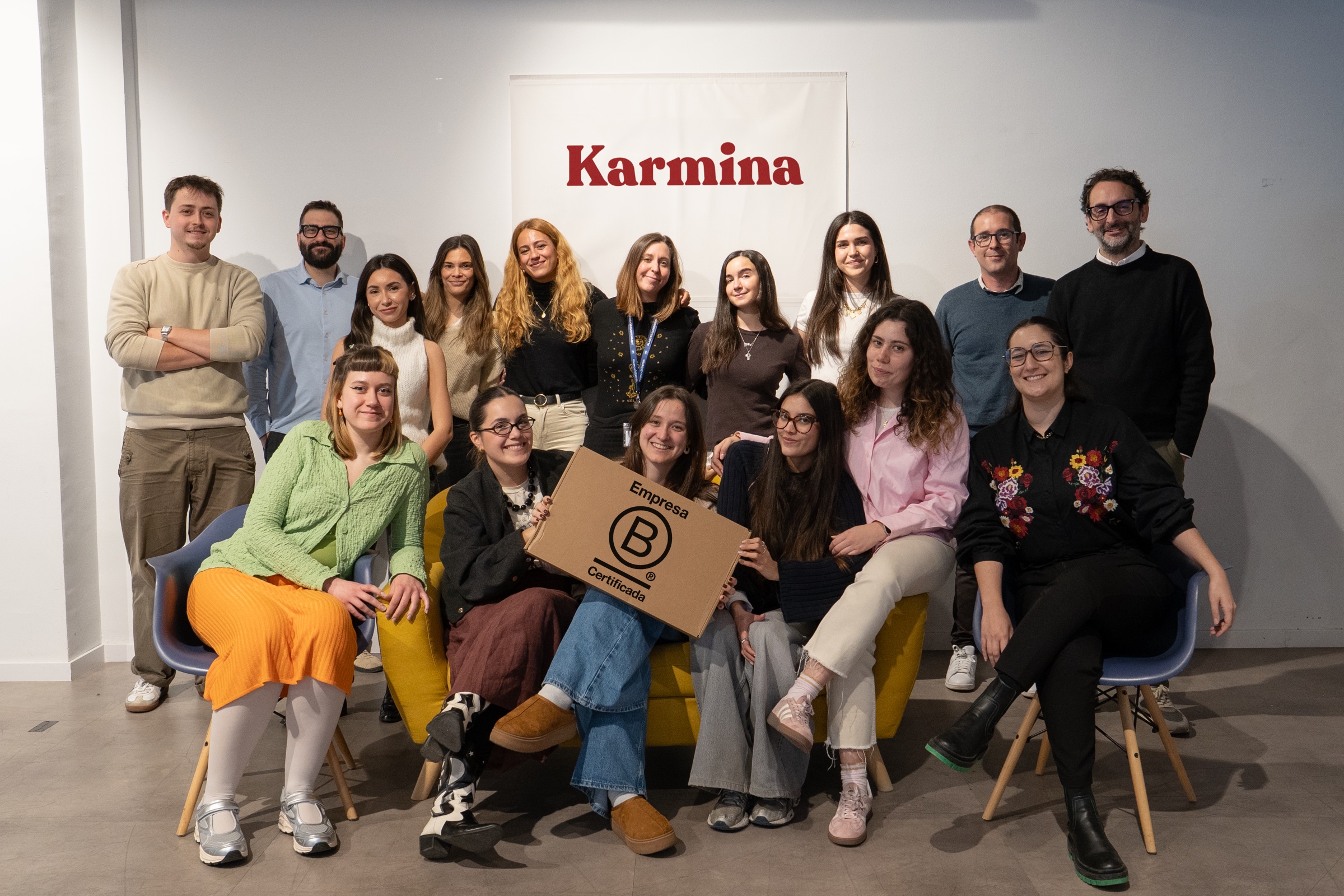
Karmina, the agency behind the Studio
Why Karmina?
Behind Karmina AI Studio there is an agency with track record, team, scale and applied experience in real organizations.
Karmina · AI Studio · Criterio · Dunder Mifflin · Utopiq · Smart Team
 +€119mIn advertising investment for clients
Ads Platforms
Partners MetaGoogle Ads
 TikTok
 Pinterest
 Barcelona
Madrid
Buenos AiresOur offices · Meet the team ↗
+50 KCommunity
 B CorpCertified company
The team
People who connect knowledge and practice


Arnau Sanz
Agentic Strategy & AI Transformation Lead

Ignasi Llorente
AI Partnerships & Business Director

Martina Díaz
AI Finance & Business Intelligence Director

Daniel Mallén
AI Operations & Workflow Lead

Eva Trigo
Generative Creative Director

Ariadna Miranda
AI Administration & Knowledge Operations Lead

Claudia Gonzalez
AI Client Success Manager

Jonan Basterra
AI Social Strategy Director

Laura Sabio
Agentic Social Media Lead

Agustina Córdoba
Content AI Specialist

Alba Gómez
Social Listening Specialist

Paola Cudeiro
AI Client Success Specialist

Roger López
AI Project & Workflow Specialist

Mar Berzal
AI Content Strategy Lead

Andrea Gallego
Community Intelligence Specialist

Candela de la Fuente
Content AI Specialist

Blanca Gómez
AI Community Operations Specialist

Cintia Armajach
Content AI SpecialistLet’s talk
Let's talk about Ads Monitor
Tell us about your situation, even if the challenge is not fully defined. A member of our team will respond to understand the process and discuss a first step.
hello@karmina.ai